
Last updated:
May 23, 2026
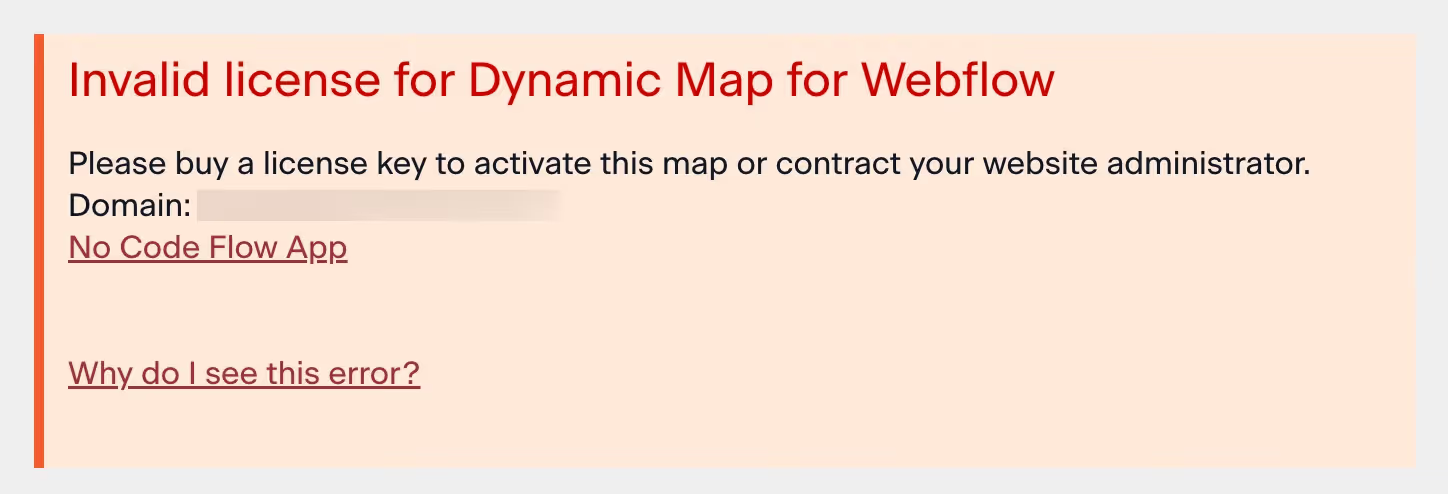
Why do I see a License Error?
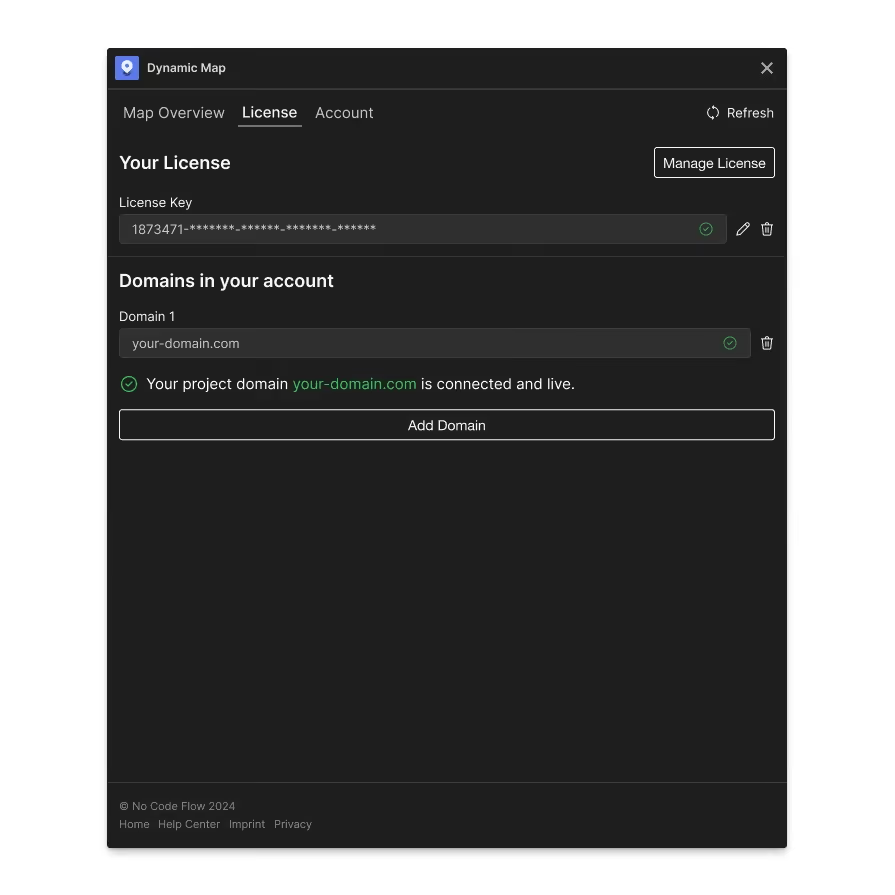
A license error on your live Webflow site means your license key or seat settings are not properly configured in the No Code Flow App. Go to License Settings, verify your license key is inserted, your live domain is added to the domain slot, and the domain shows a green verification check.
If you see a license error on your live site, your license and seat settings are not configured correctly in your No Code Flow App.
How to Fix It
Go to License Settings and make sure:
- Your license key is inserted correctly.
- Your live domain is added to the domain slot.
- The domain shows a green check icon confirming it's verified.
If it's still not working afterwards, try to transition your license key or contact our support.
