
Last updated:
May 28, 2026
Map Item CMS List
The Map Item CMS List is an auto-generated Webflow collection list that bridges your CMS items and Dynamic Map's scripts. Never delete it as your map will break. To create a map-only layout, hide the item list by setting the cru-ncf-map-item element to Display: None in Webflow Designer.
Intro
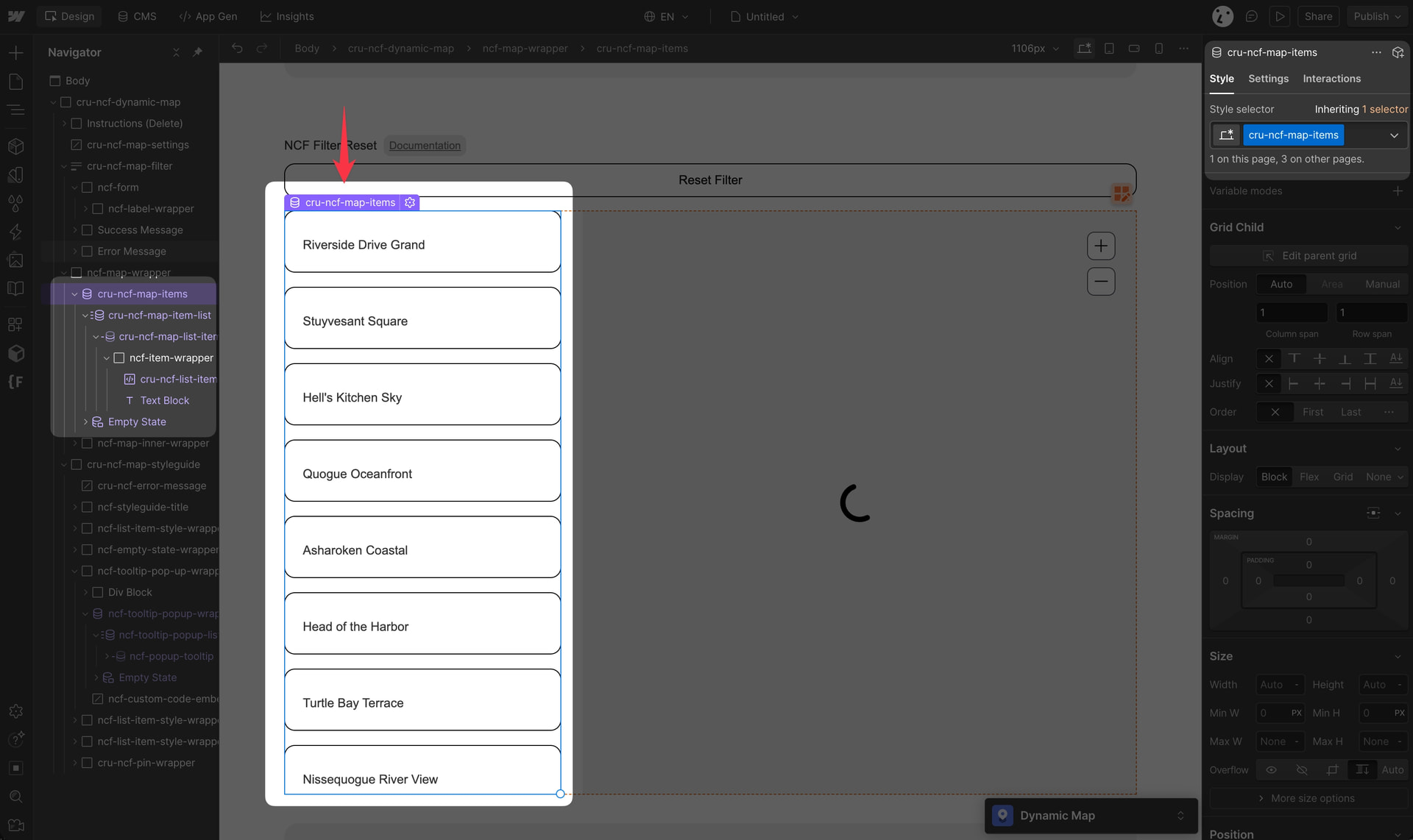
The Map Item CMS List is automatically generated when you set up Dynamic Map. It is the critical data link between your CMS items and the map scripts.
Never delete this collection list. Removing it will break your map.
Style List Item States [Active]
The list item state can be styled in Webflow Dynamic Map’s Style Guide. This only affects the element’s style, not its content.

Style the list item’s default state by styling the list without additional style elements attached. Style the hover state by adding the class “hover” to create a combo class.

Hide the Item List
💡 Pro Tip: Set cru-ncf-map-item to Display: None to create a map-only experience. The list stays active in the DOM but is hidden from visitors.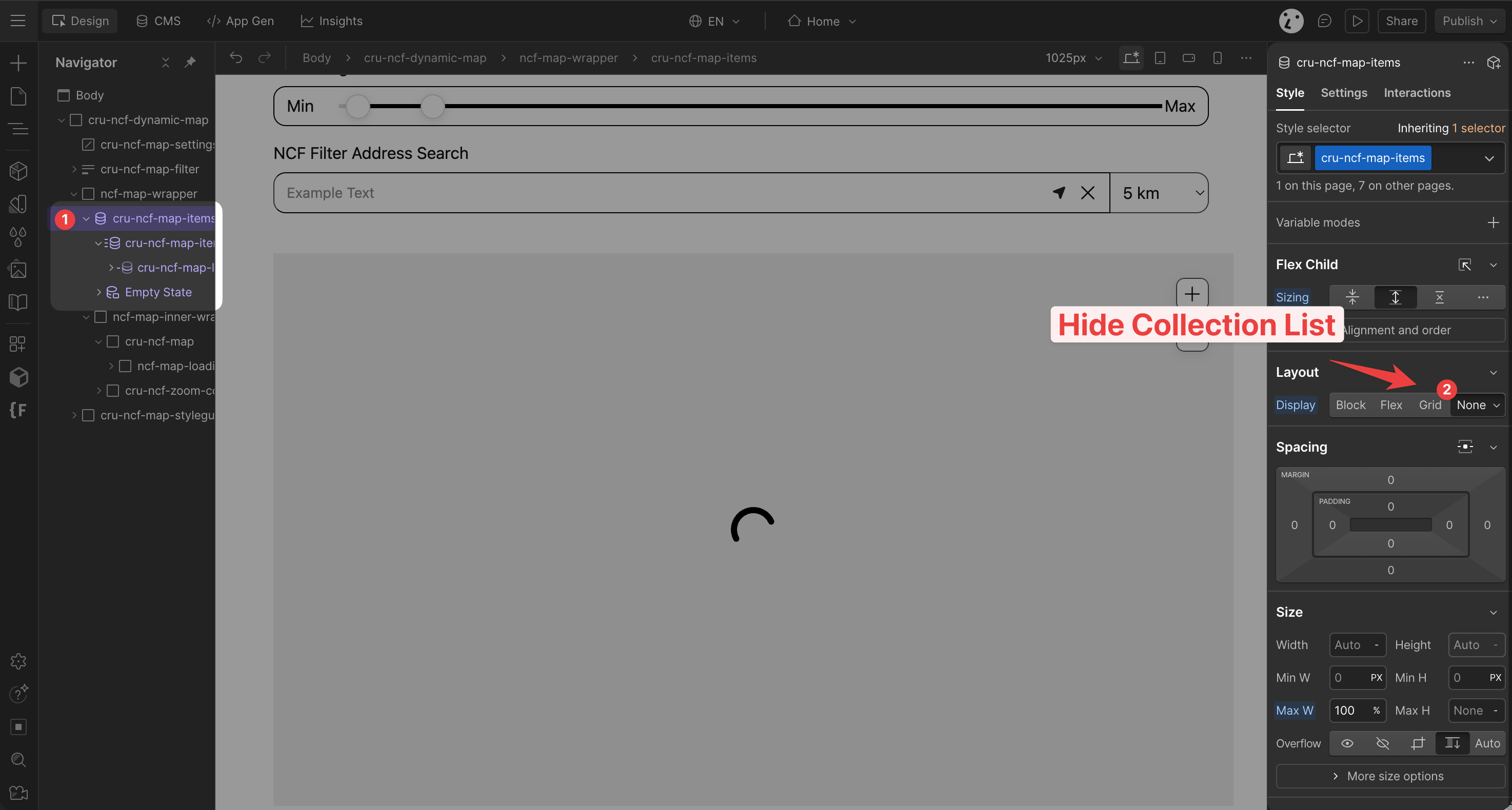
💡 To style the pins on the map, see Map Location Pins.
