
Last updated:
May 28, 2026
Auto Zoom to Filtered Location
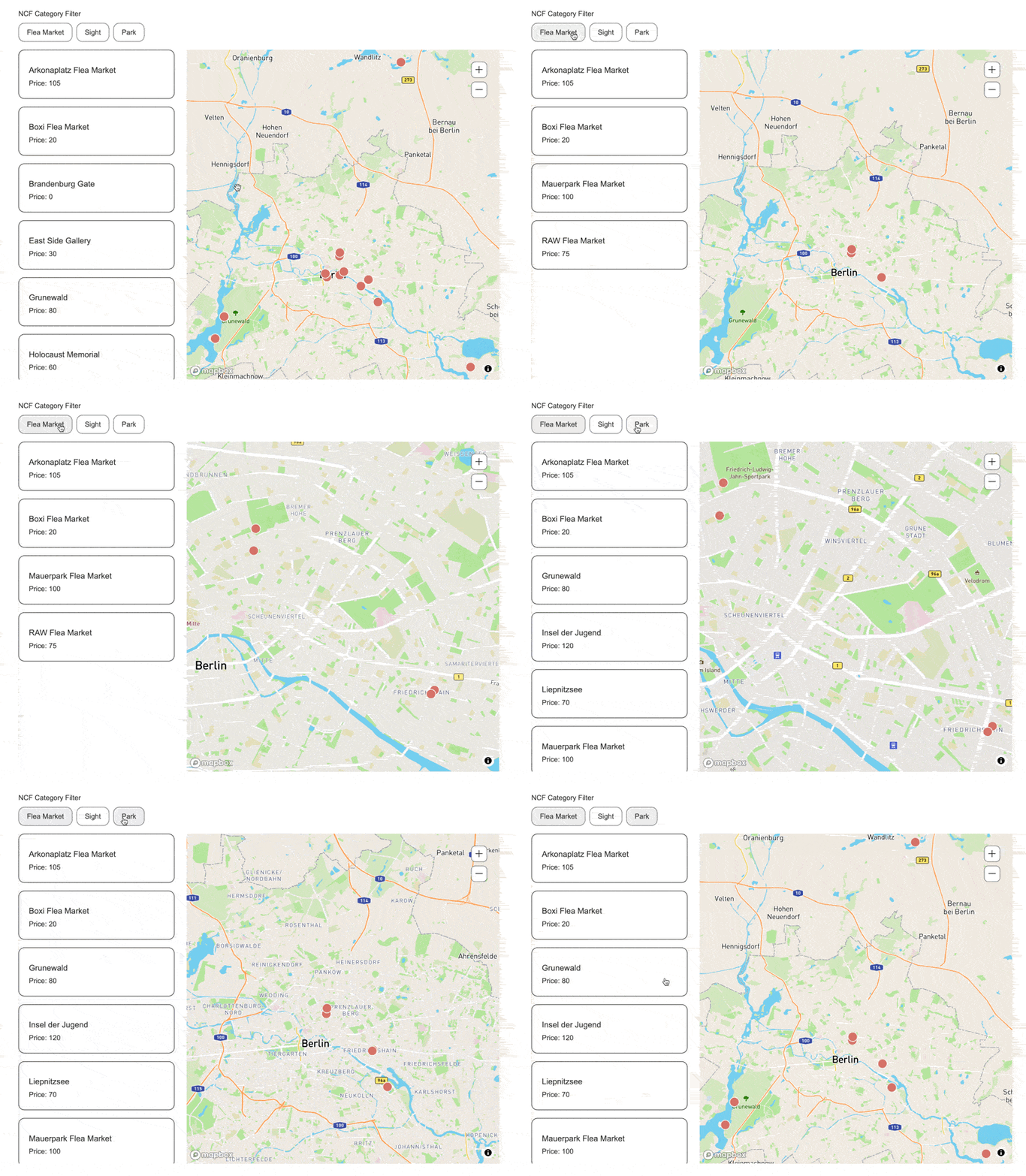
Auto Zoom automatically adjusts the map view to fit filtered results when a category filter or search is applied. Enable Auto Zoom in Dynamic Map App's Filter and Sorting panel and set your preferred Zoom Duration.
Intro
Enable auto zoom to automatically adjust the map view, showing only the location items that match the user’s filters.
Enable in Dynamic Map App
- Enable Auto Zoom in Filter and Sorting
- Set Zoom Duration to desired value
.png)
