Last updated:
May 28, 2026
Map List Sorting
List Sorting adds a sort dropdown to your map, letting users reorder items by any CMS field. Enable List Sorting in Dynamic Map App, select the sortable fields, sort order options and set a default sort order, update the code embed, and style the ncf-sort element in Webflow. Set a default sort order in both collection lists (main and pop-up/tooltip) — mismatched sorting causes pop-ups to display wrong content.
Intro
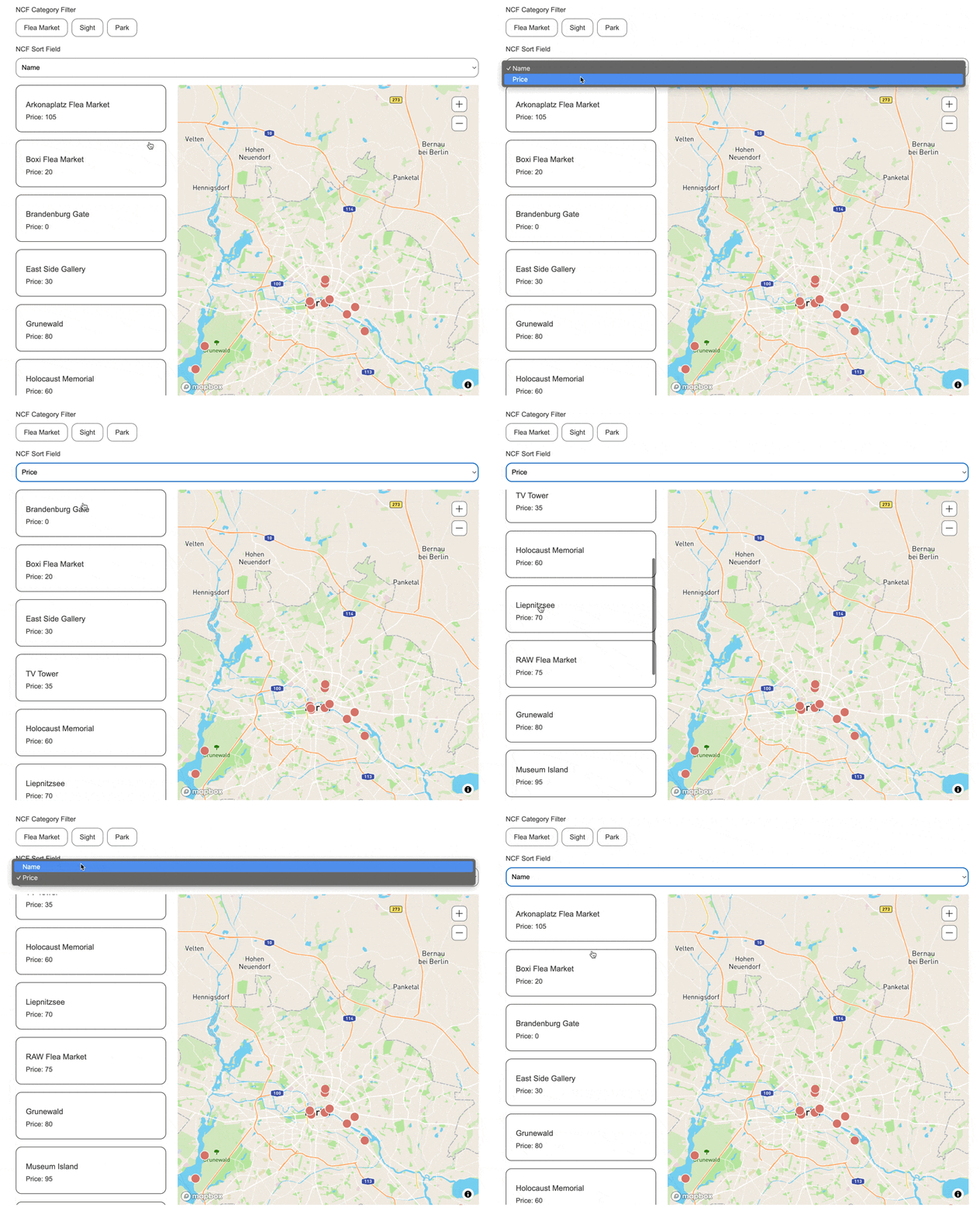
List sorting helps users quickly find the information they’re looking for.
Enable in Dynamic Map App
- Enable List Sorting
- Select desired sortable fields
.png)
- Edit selected sort fields (at the moment Dynamic Map features both text fields, number fields and even date fields)
- Set User Sort Options for first selected sort field “Name”
- Set User Sort Options for second selected sort field “Price”
- Set User Sort Options for third selected sort field “Date”
- Set Default Sort Order, in this case “Name (A to Z”
.png)
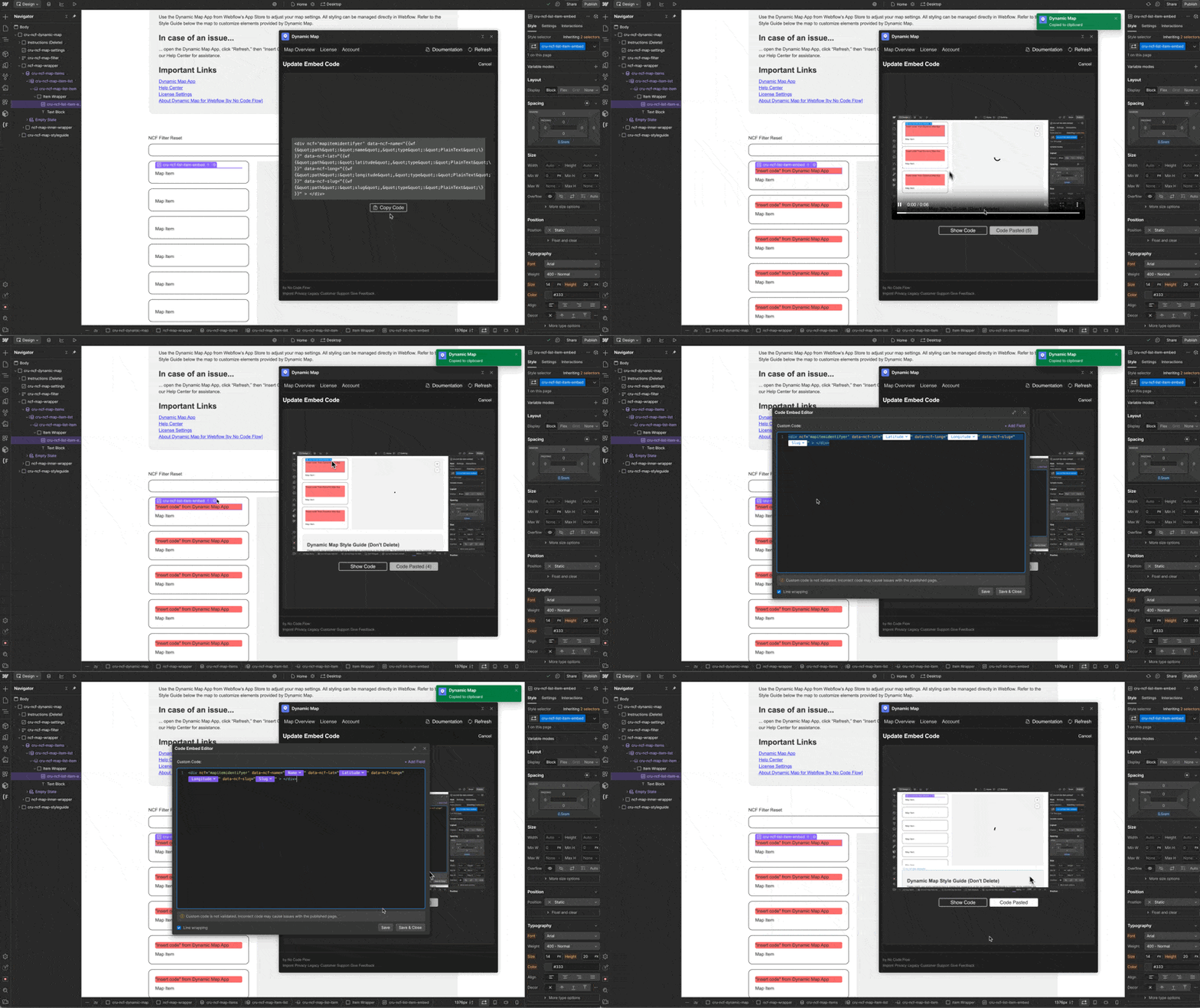
Update Code
Insert updated code into Dynamic Map’s Custom Code
Locate and Style in Webflow Designer
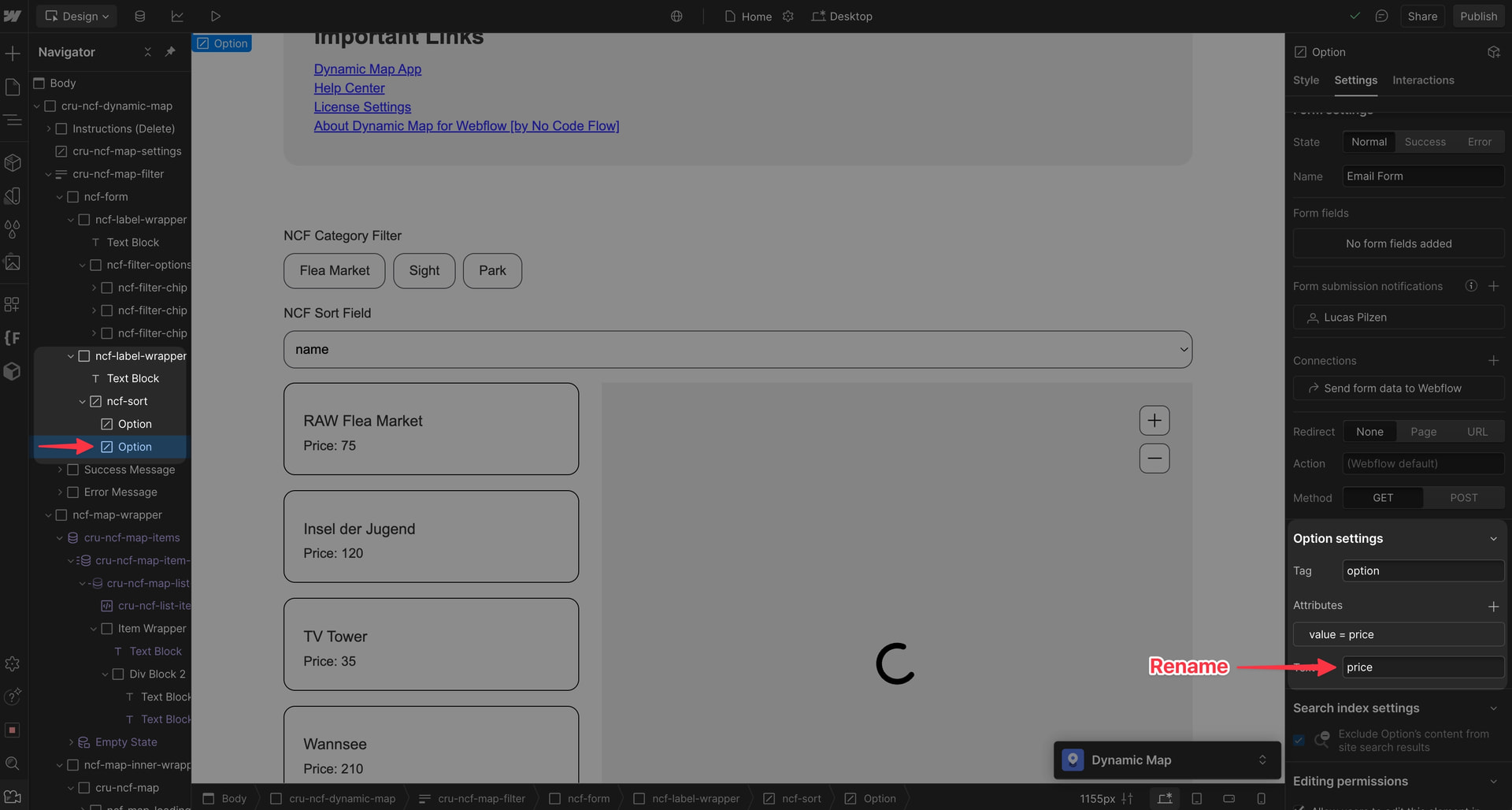
The ncf-sort element is placed within the filter wrapper div cru-ncf-map-filter. It can be styled like a default Webflow dropdown element.
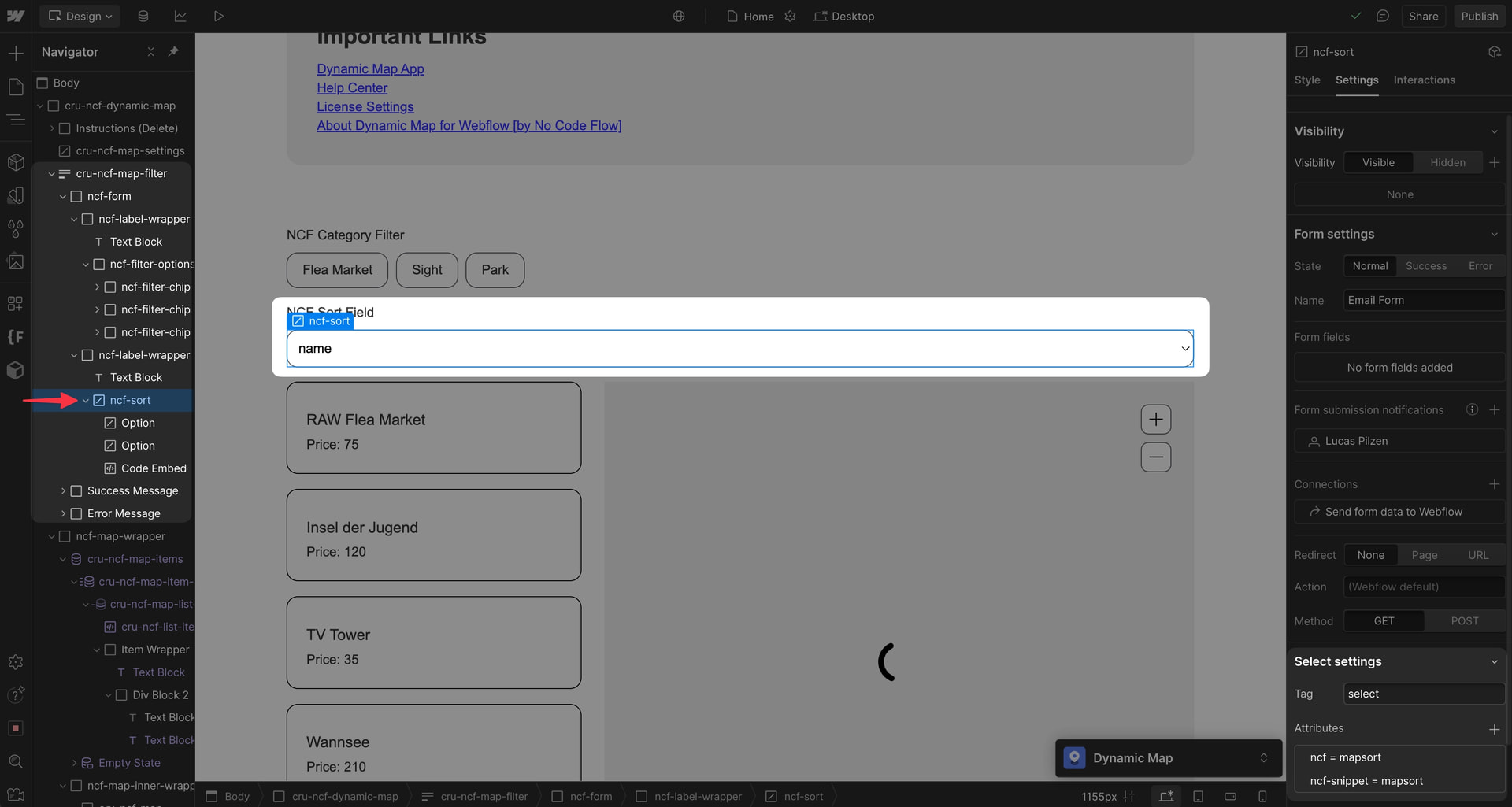
💡 Pro-Tip: To fix Webflow’s default chevron in the select field, take a look at this guide from Webflow’s forum: Arrow spacing - .w-select - #2 by AlexManyeki - Custom code - Forum | Webflow
Rename the dropdown options
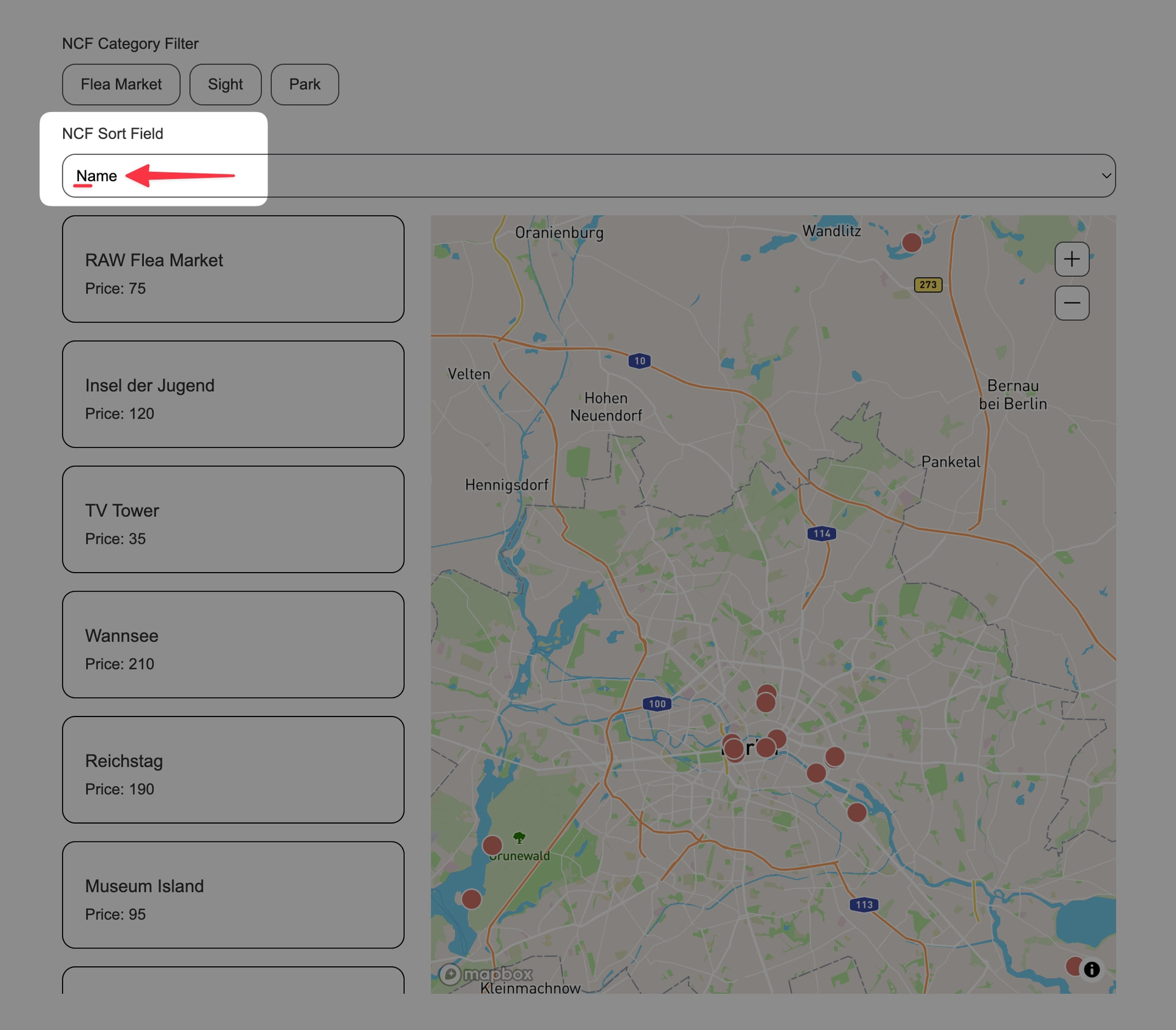
By default, all options are displayed in lowercase. You can easily change this by following this guide: