CMS Event Calendar
for your Webflow site
Build and style an event calendar in Webflow. Turn your Webflow CMS Collection List into an interactive, filterable calendar using this No Code Flow component.





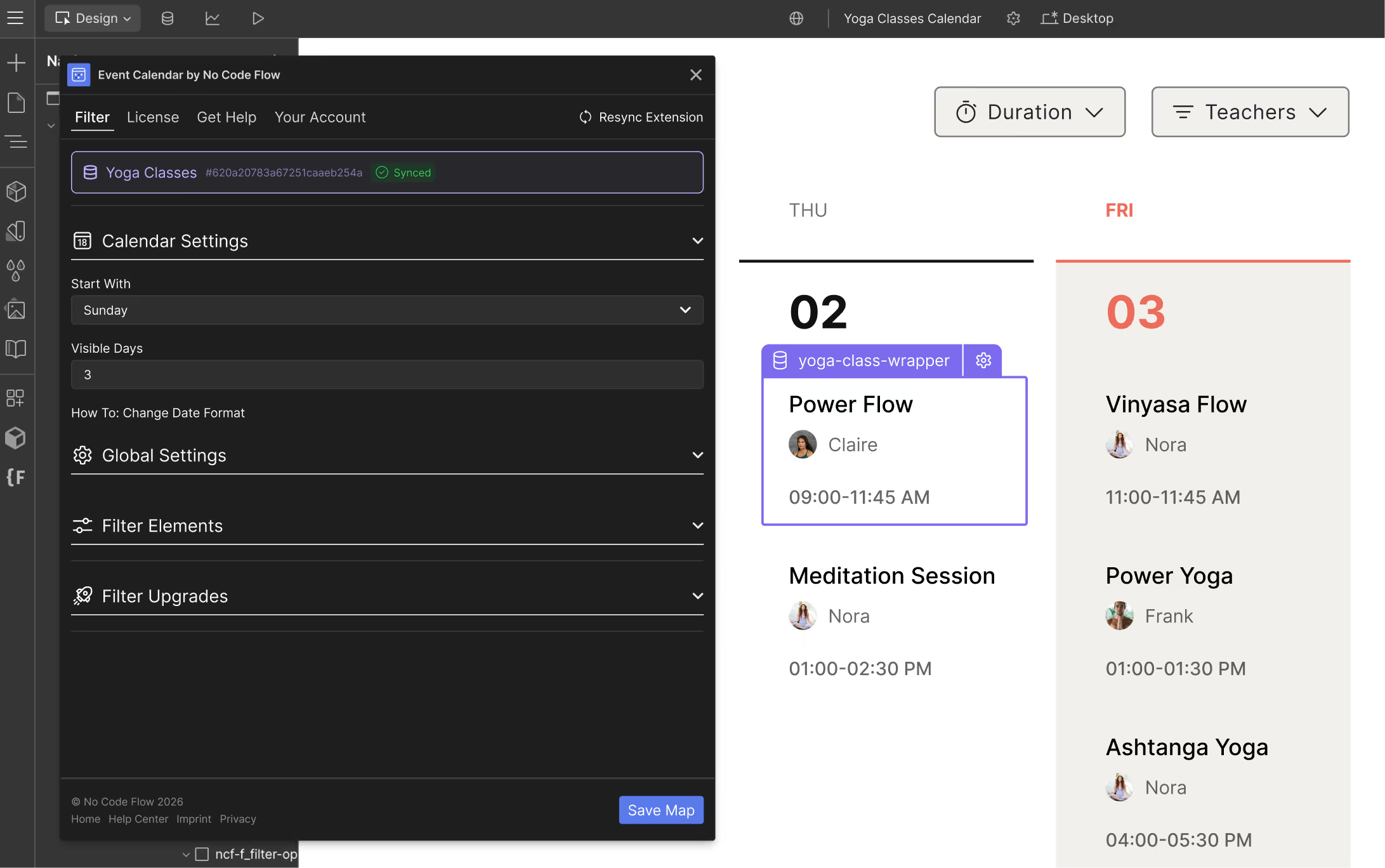
CMS Event Calendar Features
Build an interactive calendar experience with these features
List- and Week-View
Offer your visitors flexible ways to browse events with a clean list layout or a dynamic week overview. Perfect for classes, workshops, and recurring sessions.
Custom Date Formats
Display dates exactly how your audience expects them. Choose formats like MM/DD/YYYY, DD.MM.YYYY, or fully custom styles that match your brand.
Category and Tag Filters
Let users instantly narrow down events by tags, categories, instructors, or themes. Create a smooth discovery experience tailored to your content.
Set up in Minutes
Connect your CMS Collection, configure a few settings, and your event calendar is ready to go. No coding, no complex setup.
Style 100% in Webflow
Customize every visual detail inside Webflow Designer. From typography and spacing to colors and layout — your calendar blends seamlessly into your site.
CMS-based Event Items
Manage all your events directly through Webflow CMS. Update times, add new sessions, or adjust details without touching the Designer.
Create an event calendar experience using your CMS
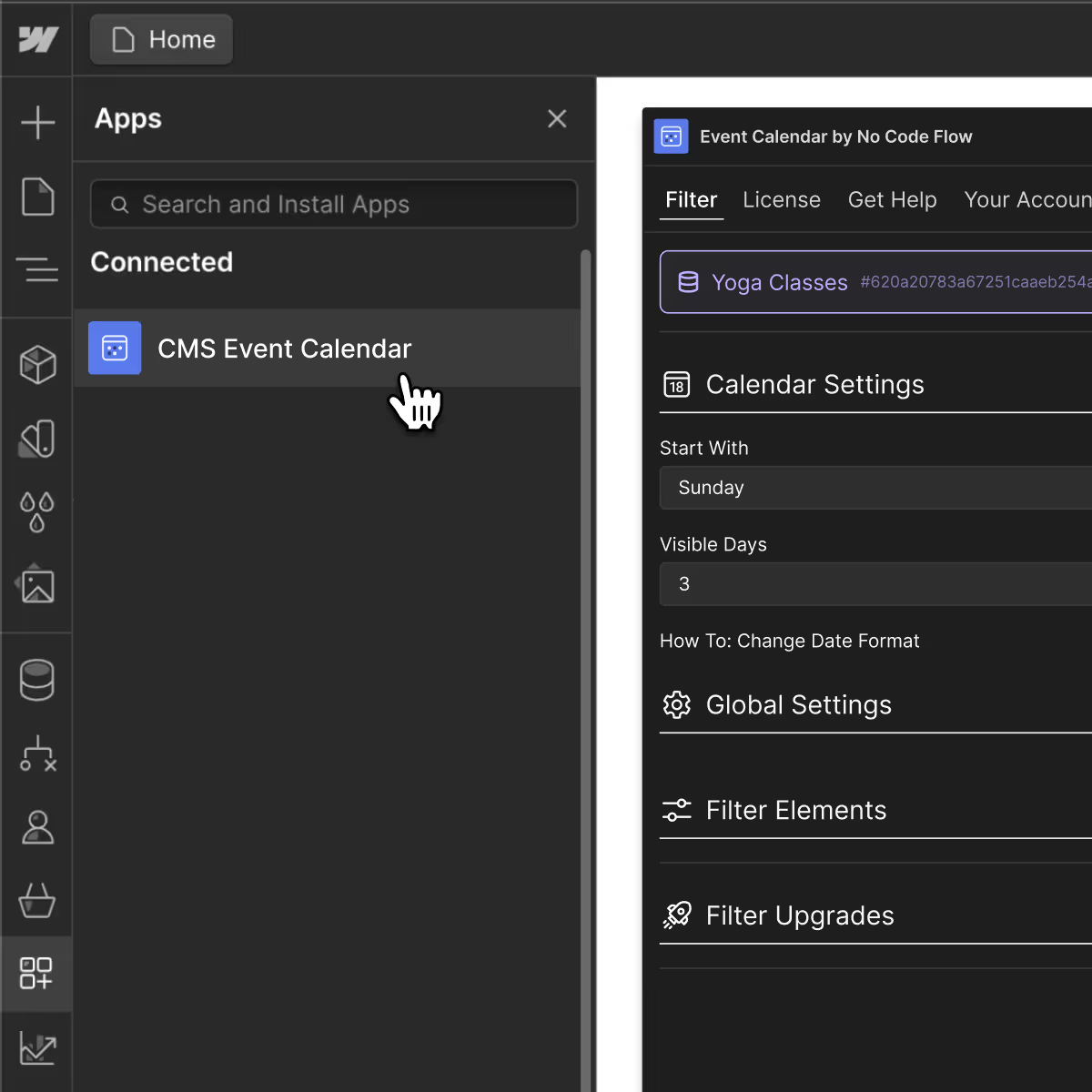
Add interactive filtering and real-time search to your Webflow site using the CMS Event Calendar App from Webflow's App Marketplace.


CMS Event Calendar Pricing
Free to set up and use until your site goes live on a custom domain. Connect as many Webflow accounts to your No Code Flow account as you like, each live domain just needs its own seat.
What our customers say
You're in good company of other happy Webflow users.


Frequently Asked Questions
Find answers to your questions about CMS Event Calendar for Webflow
Can I add different calendar breakpoints?
Yes, you can just use the default Webflow breakpoints to modify your calendar's styling.
Can I customize the amount of visible days?
Yes, you can customize the amount of visible days easily in the CMS Event Calendar extension.
Can I expect support in case I get stuck?
We offer extensive support through detailed documentation, step-by-step video tutorials, and a dedicated help center. Need more help? Our team is always available via email support.
Can I add filtering options?
Yes, you can add all filtering options that are available in Dynamic Map as well as CMS Filter and Search.

No Custom Code
All Webflow components work without any coding knowledge. Just use Webflow like you're used to.

Webflow CMS First
All components are built as Webflow Apps for Webflow-CMS and can be styled right within the Webflow Designer.

Professional Support
Check the Help Center, easy to use docs or request free E-Mail support in case you get lost.

Ongoing Updates
Constant maintenance, updates and enhanced features as well as new Webflow components.
