
Last updated:
May 28, 2026
Custom Pins for Individual Items
Custom Pins let you assign a unique image icon to any individual CMS map item. Add an Image field to your CMS collection, activate Individual Pins in Dynamic Map App, and upload your SVG icons. Custom pins do not support hover or active states and cannot be resized. To use those features use CMS Category Pins instead.
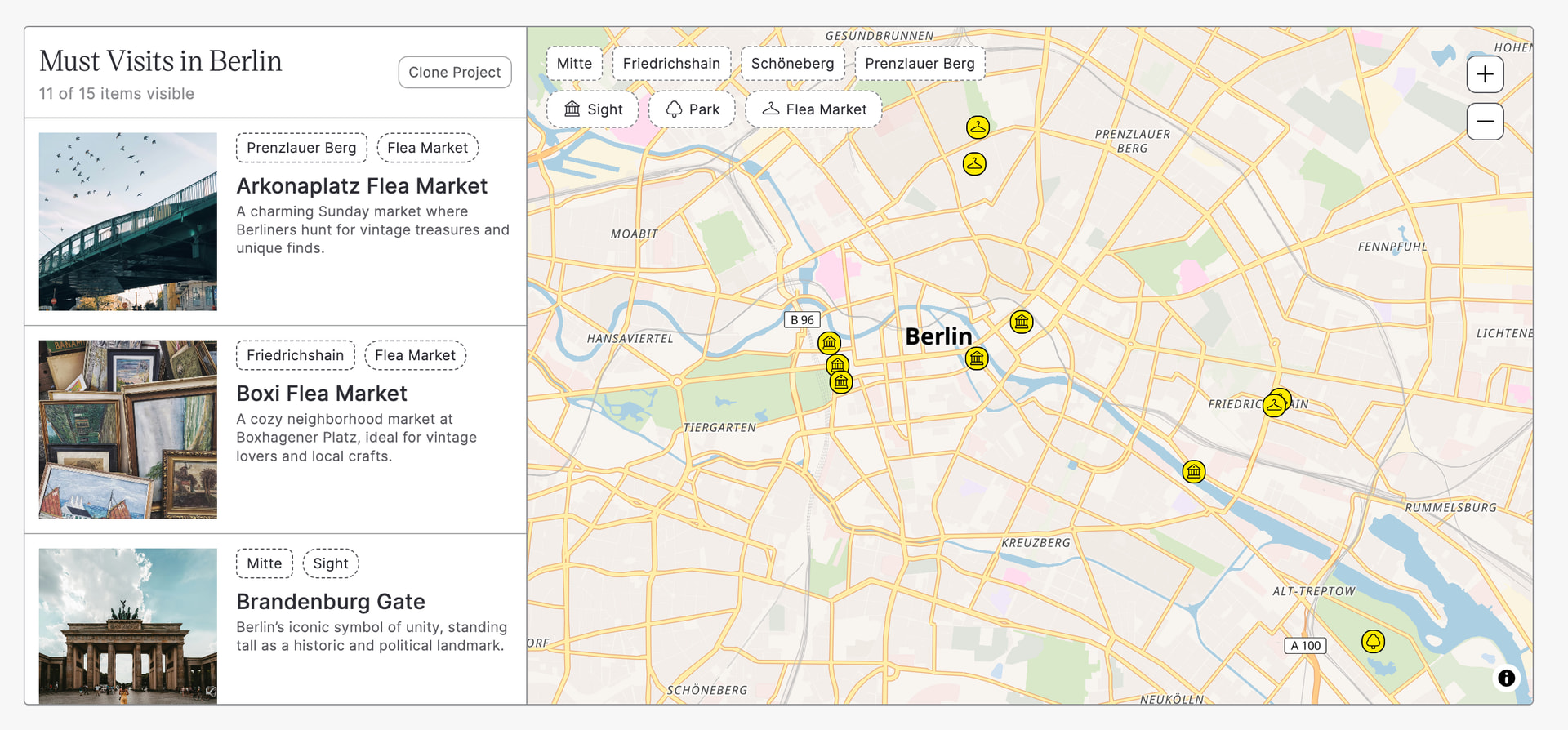
Category Pins vs Custom Pins: Which Should I Use?
- CMS Category Pins: Use when all items of the same category should share a pin style (e.g., all coffee shops get the same icon, all restaurants get another). Supports hover and active states. Best for most projects.
- Custom Pins for Individual Items: Use when each individual item needs its own unique icon uploaded to its CMS record. Does not support hover or active states. Best for cases where every location is genuinely unique (chain store logos, individual property markers).
- Most projects use Category Pins. If you’re unsure which to choose, start with CMS Category Pins.
Need category-based pin styles? See CMS Category Pins for the full setup guide.
Set Up Custom Pins
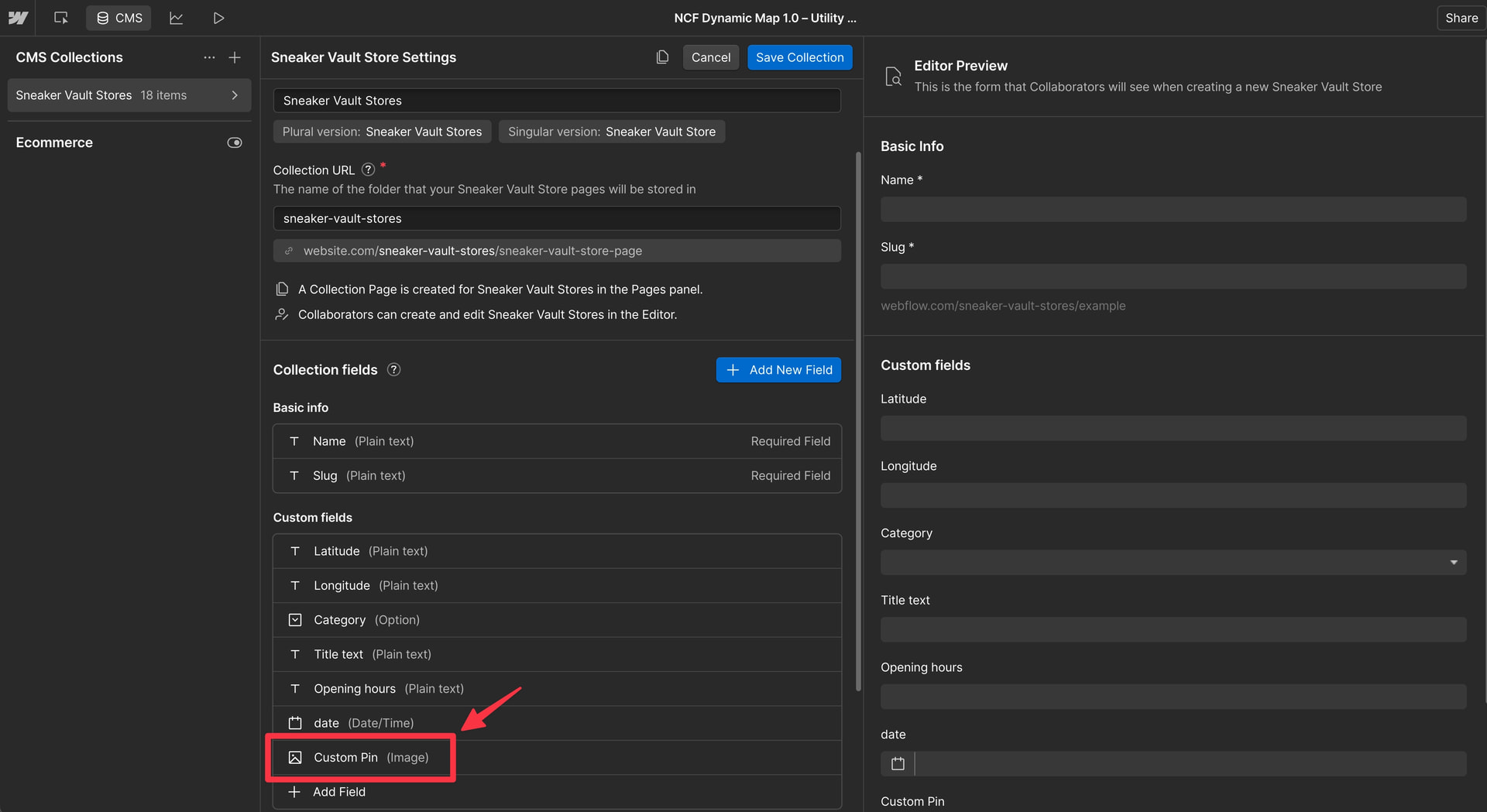
Create CMS Image Field
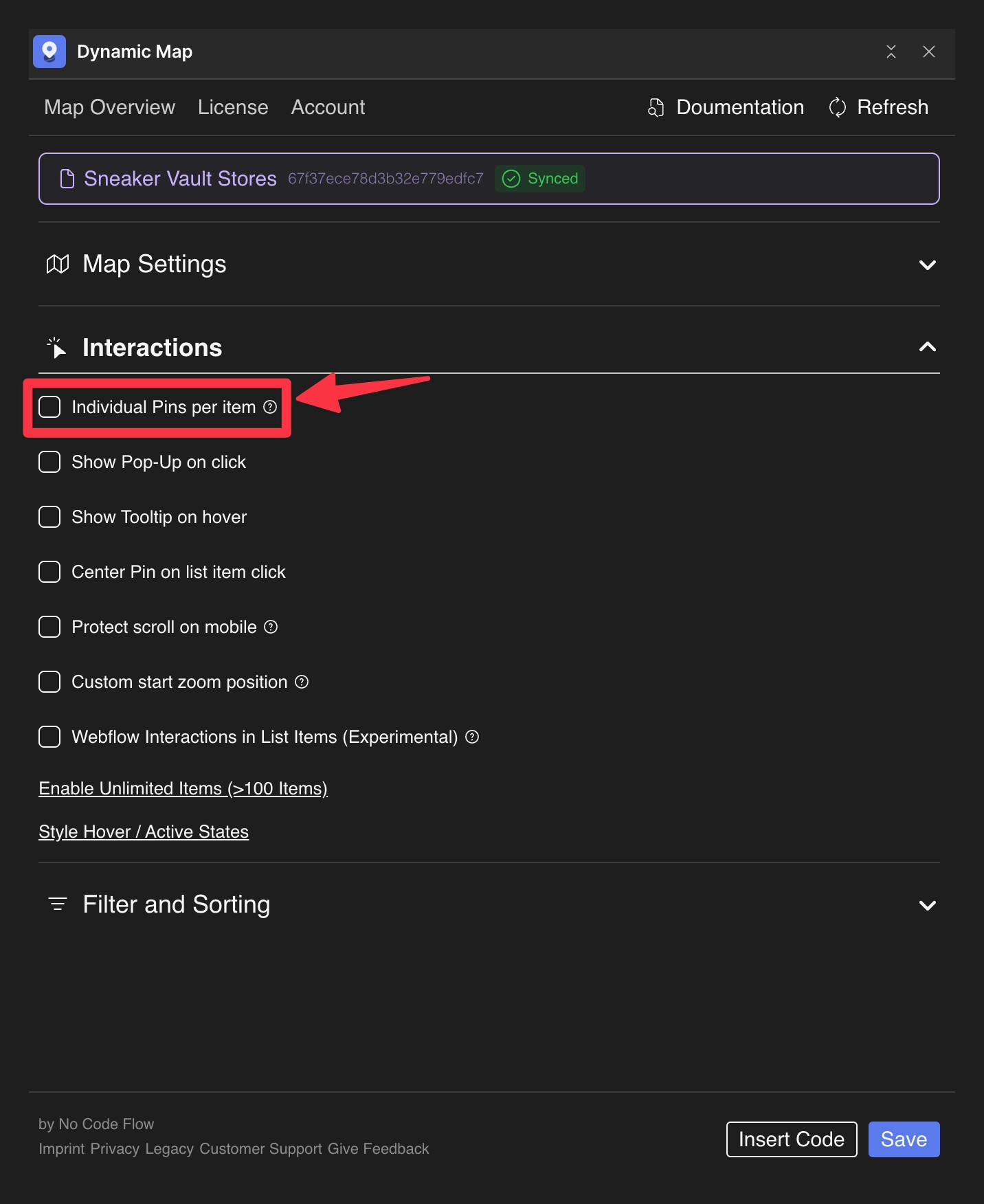
Add Image to Map Item List and Activate in Dynamic Map
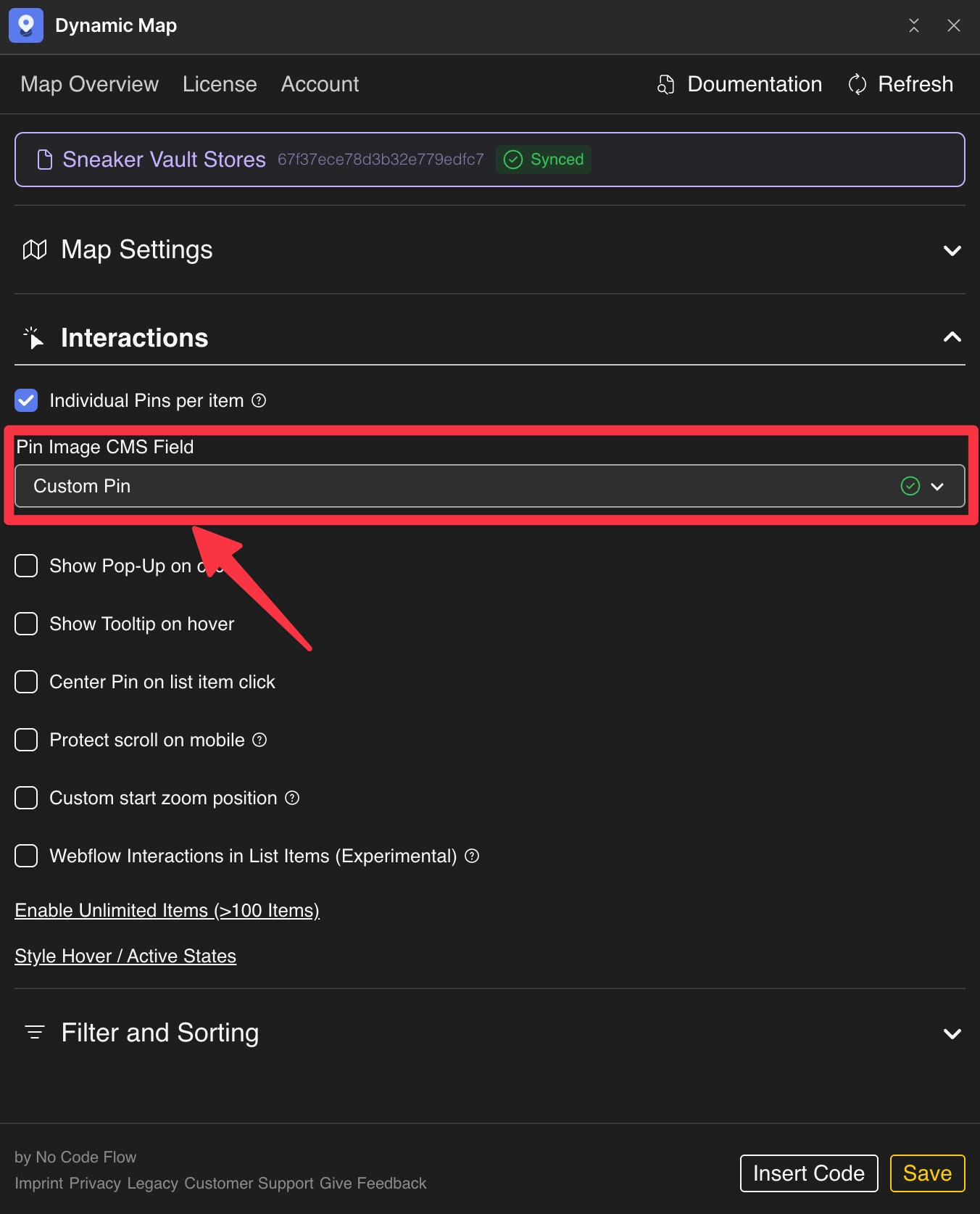
Create Icons in Figma
- Select your icon and resize it to fit your design.
- Export as SVG.
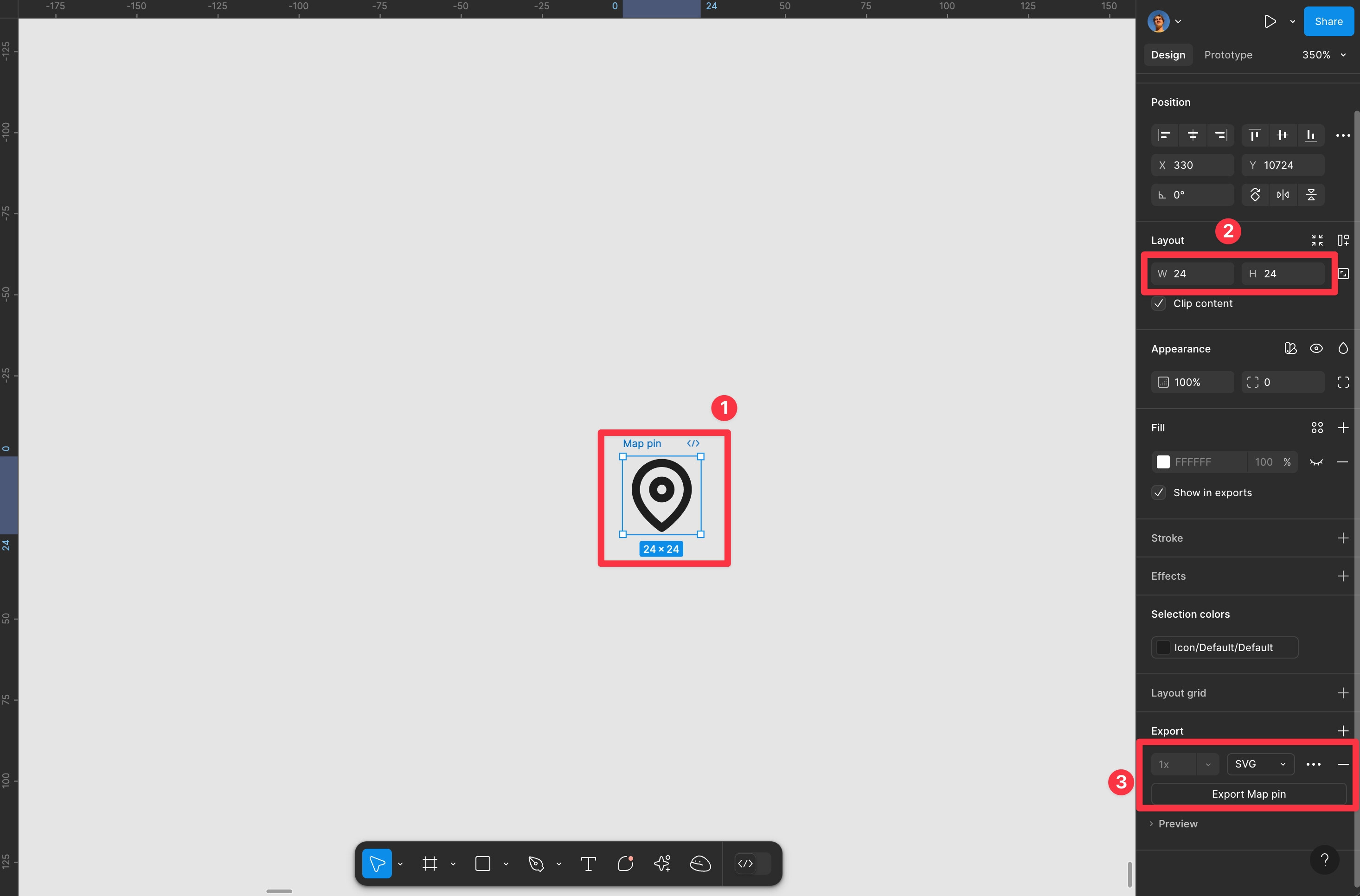
Upload the SVG to the corresponding CMS item in Webflow.
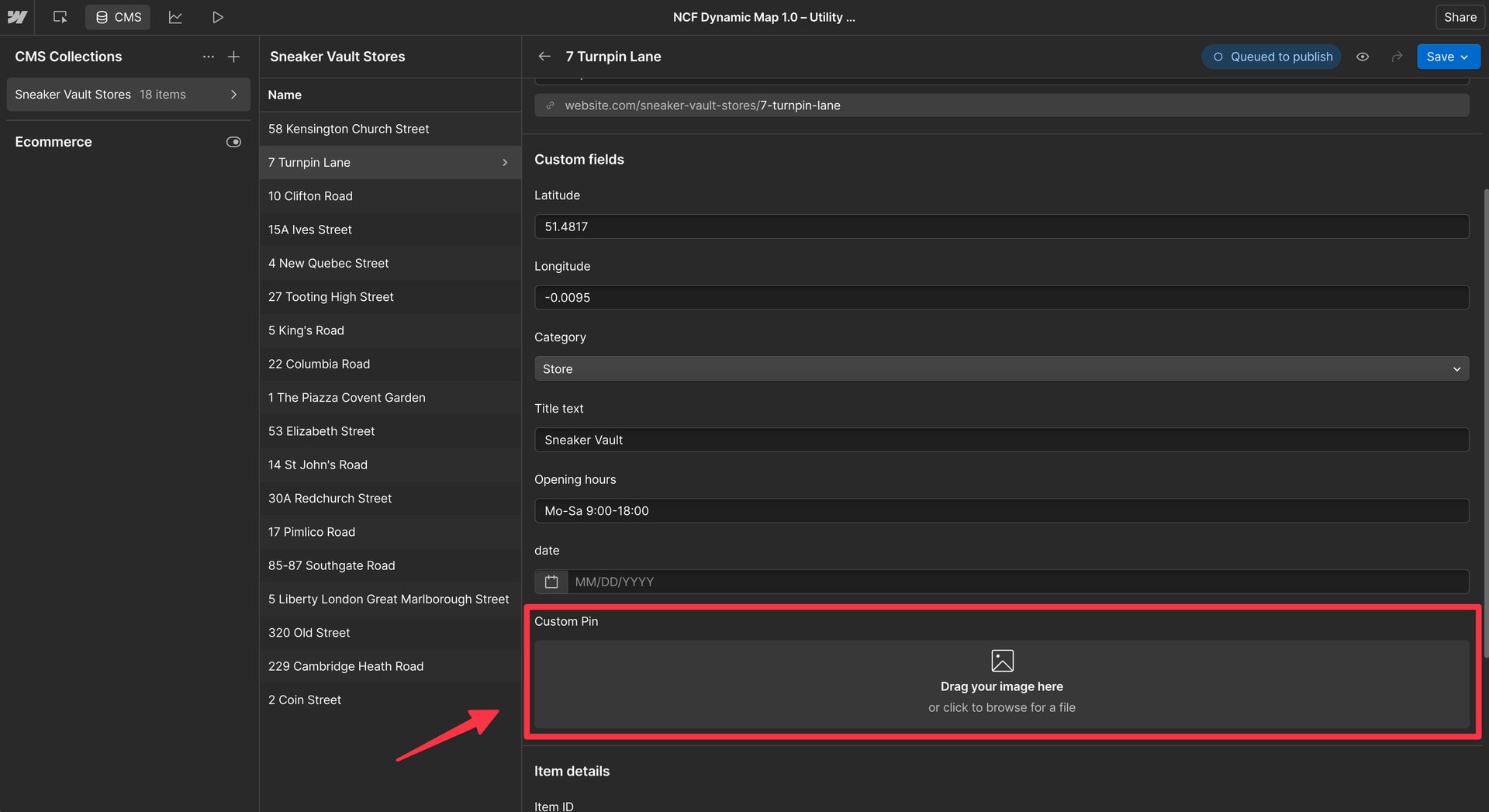
⚠️ Custom pin icon sizes cannot be adjusted in Webflow. Make sure to upload the pins with the correct width and height already configured.
⚠️ Custom pins do not support hover or active states. For those features, use CMS Category Pins.
