Last updated:
May 28, 2026
Webflow Interactions in Map Item List (Experimental)
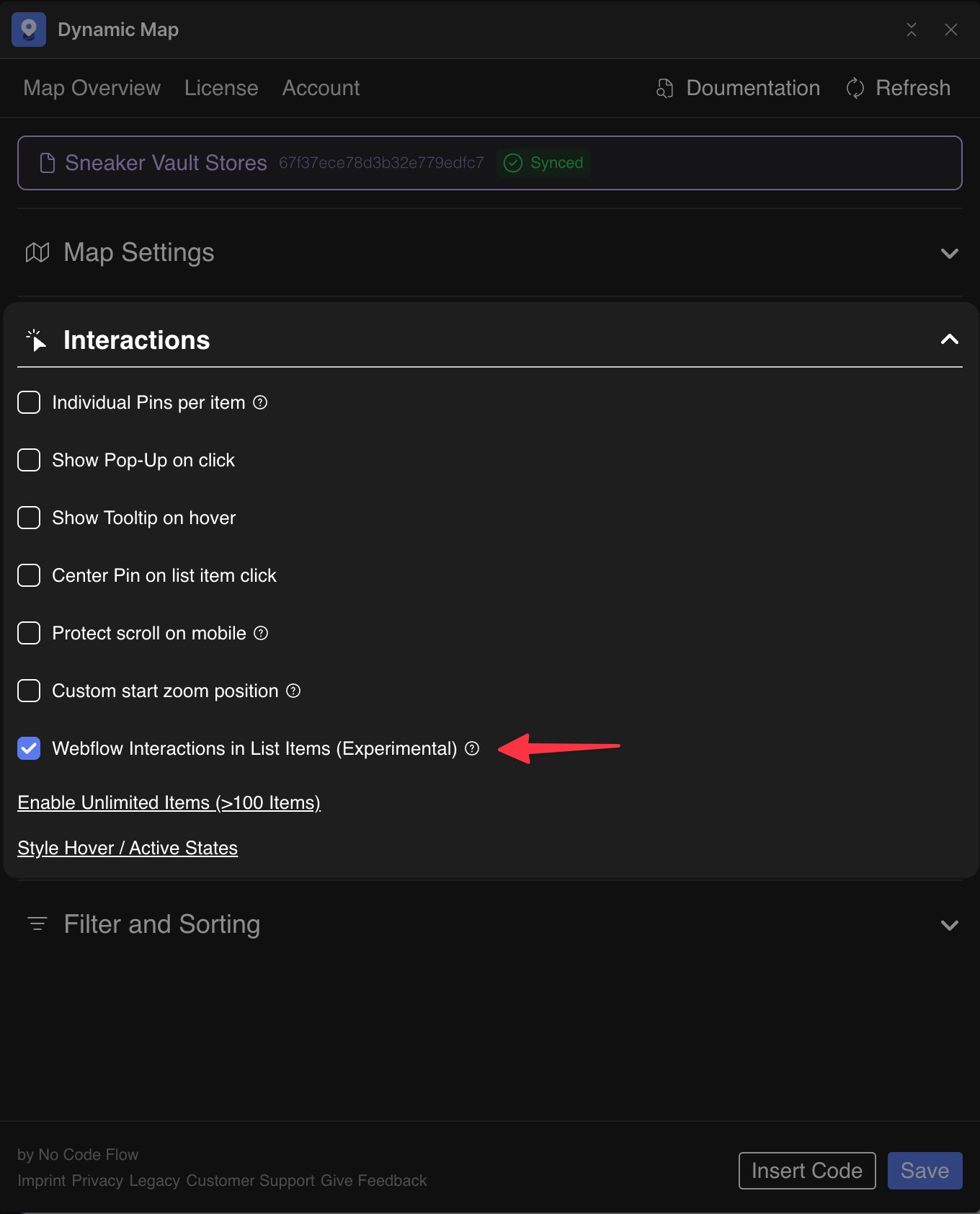
By default, Webflow's native interactions are disabled inside Dynamic Map's list items (cru-ncf-map-list-item) due to Webflow's architecture. Enable the Webflow Interactions toggle in Dynamic Map App's Interactions panel to unlock them. Experimental — may conflict with on-page-load interactions.
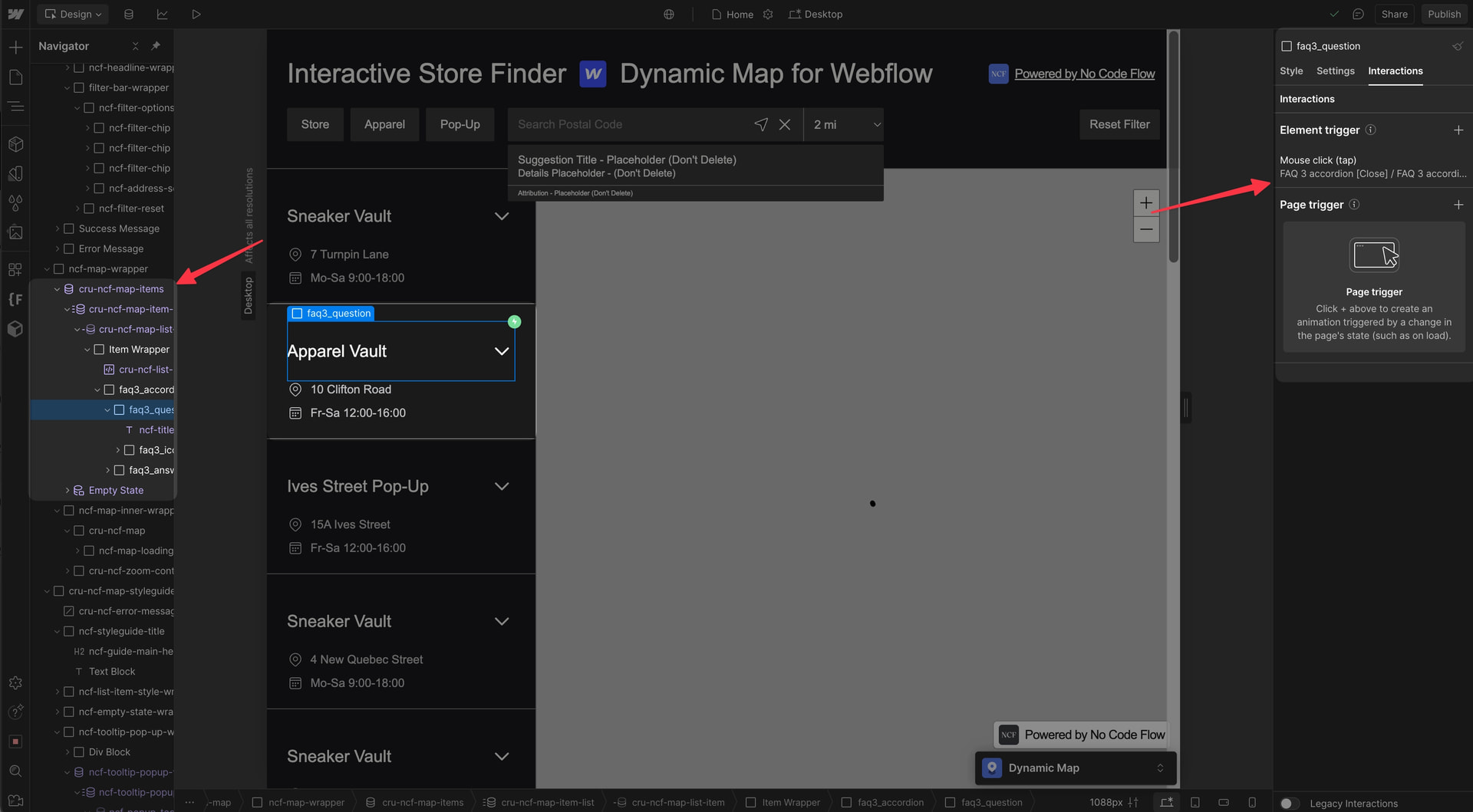
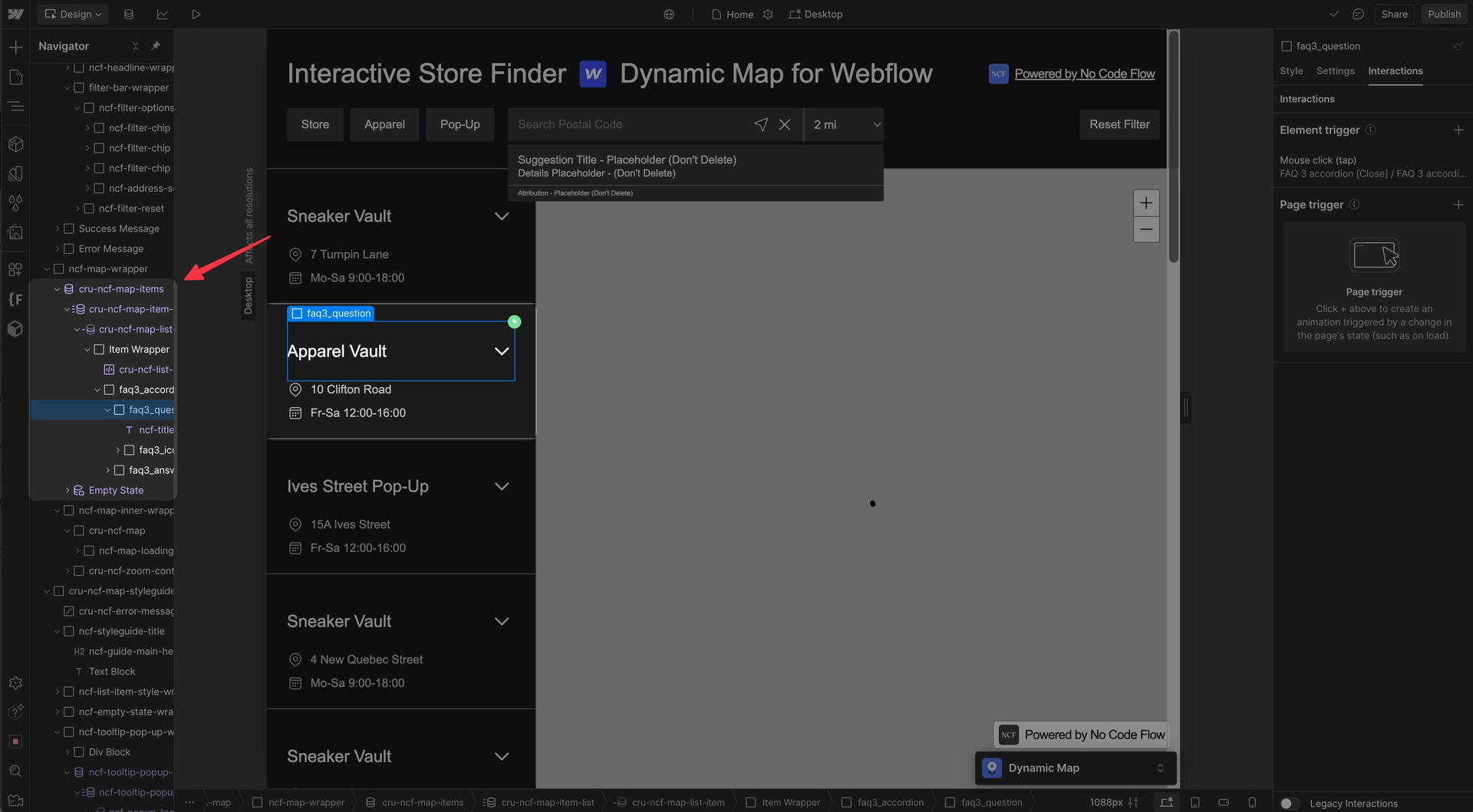
To use Webflow interactions inside your map item list (cru-ncf-map-list-item), enable Webflow Interactions in Dynamic Map. By default, Webflow’s interactions are disabled there due to architectural constraints.
This feature is experimental because enabling it can conflict with page-load animations and other Webflow interaction types. It works reliably for element-level interactions like accordions or tabs that are triggered by user clicks within the list. Use with caution on pages that have complex on-scroll or page-load animations.
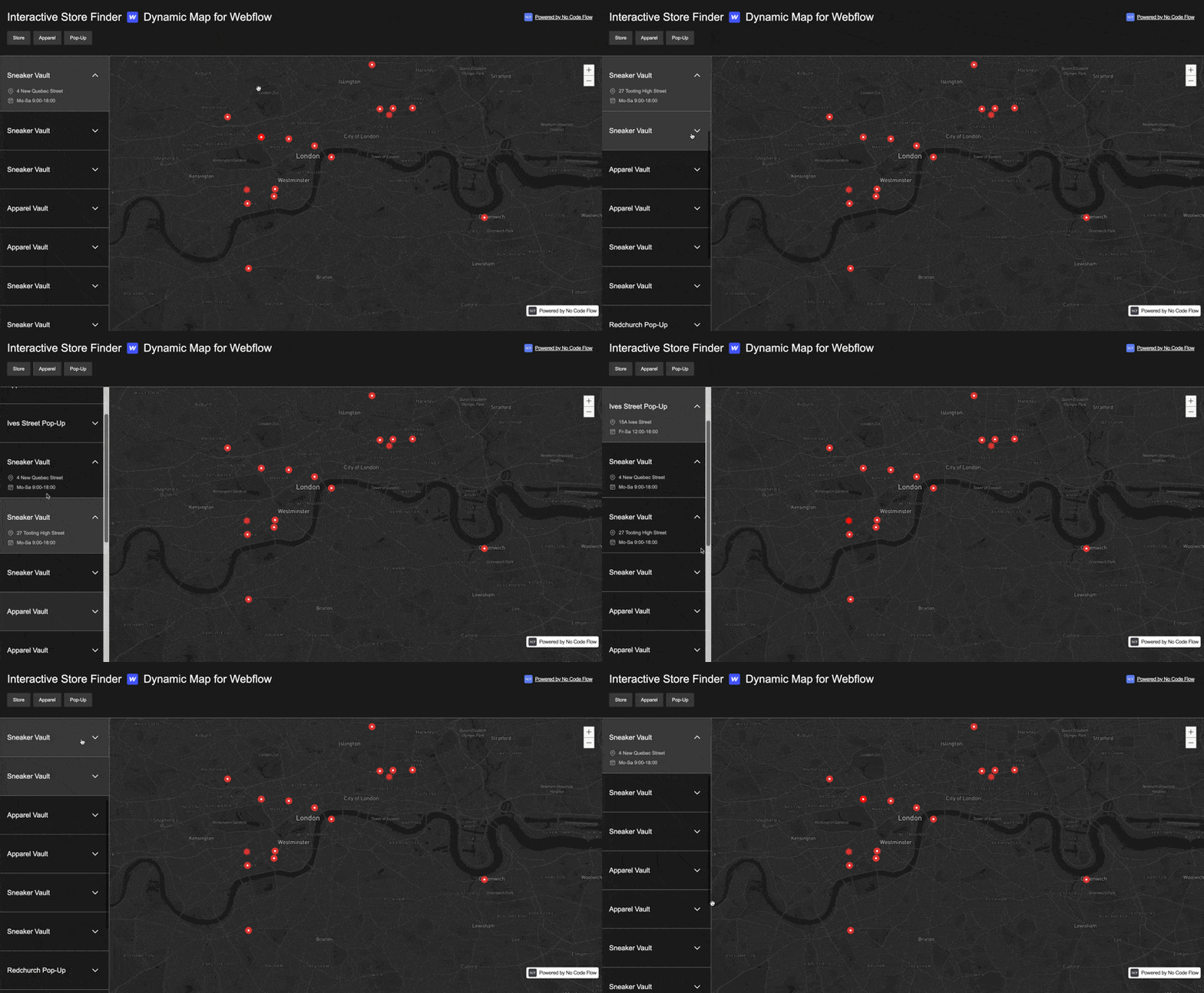
💡 Good to Know: Webflow’s interactions are disabled inside Dynamic Map’s list items by default.
Enable in Dynamic Map
⚠️ Experimental Feature: May cause issues with other Webflow interactions on your site, especially on-page-load animation types.
- In Dynamic Map App, enable Webflow Interactions in Interactions.
- Press Save.