
Last updated:
June 4, 2026
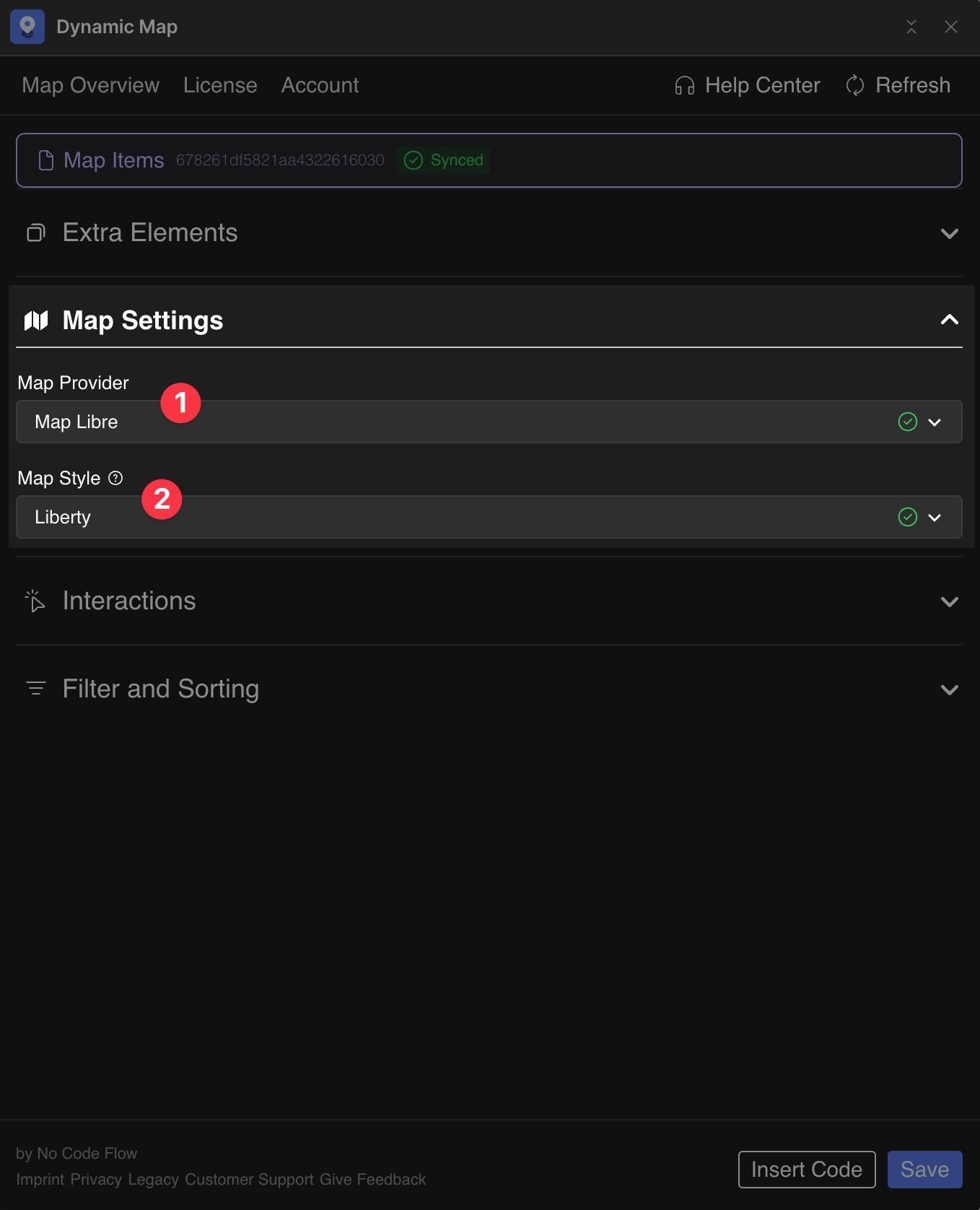
Map Provider: MapLibre
MapLibre is the default map provider in Dynamic Map, and for most Webflow projects it’s the right choice. It’s free, open-source, and places no limits on map loads or API usage. Unlike Google Maps or Mapbox, you don’t need to create an account, register a payment method, or manage an API key. Just select MapLibre in Dynamic Map App’s Map Settings, pick a style, and your map is live.
Beyond the preset styles, MapLibre supports fully custom map designs. You can build any visual style in Maputnik (a free, browser-based style editor) and host it as a public JSON file via GitHub Gist. This makes MapLibre the most flexible and lowest-cost option for custom-branded maps.
Setup
- In Dynamic Map, open Map Settings and change Map Type to MapLibre.
- Select your desired map style from the available presets.
Create a Custom MapLibre Map Style
Step 1: Design the Style
- Open Maputnik, the free, browser-based MapLibre style editor.
- Click Open and choose a Gallery style, or enter a URL from OpenFreeMap (e.g.
https://tiles.openfreemap.org/styles/liberty). - Edit colors and layers visually, then Export the
style.jsonfile.
Step 2: Host the Style
- Go to gist.github.com, paste your
style.json, name itstyle.json, and click Create public gist. - Click Raw to get a URL like:
https://gist.githubusercontent.com/.../raw/.../style.json - For guaranteed CORS support, run the URL through RawGit and use the Production link.
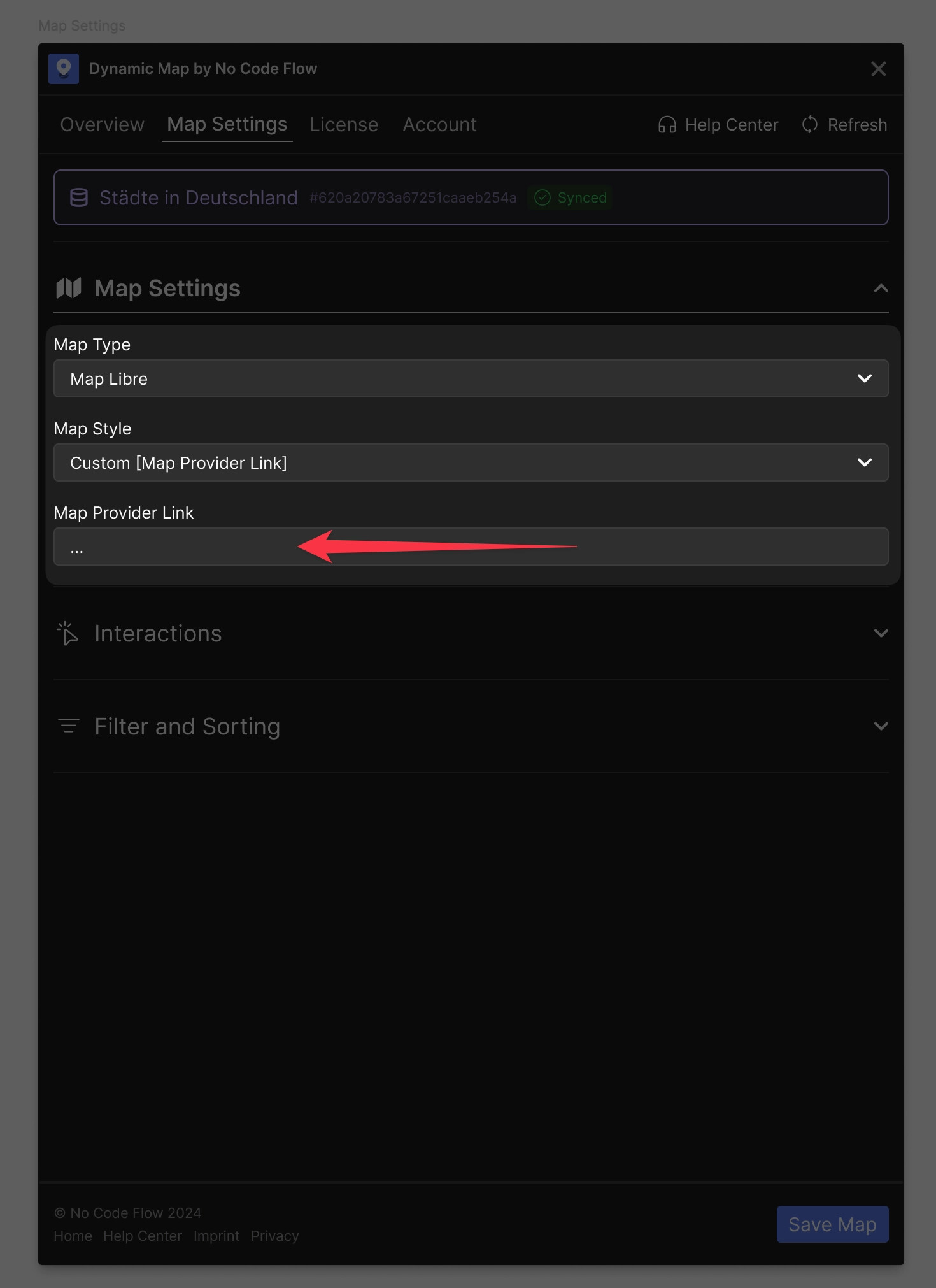
Step 3: Paste the URL in Dynamic Map
Paste the URL into the custom style URL field in Dynamic Map.
Practical Tips
- Start with MapLibre by default. Unless you have a specific reason to use Mapbox (custom Mapbox Studio design or address search) or Google Maps (client requirement), MapLibre is the recommended starting point for every new Dynamic Map project.
- GitHub Gist URLs change on update. If you edit your custom style in Maputnik and update your Gist, the Raw URL changes. Make sure to copy the new Raw URL (via rawgithack.com for CORS support) and update it in Dynamic Map App after every style change.
