
Last updated:
May 28, 2026
Map Shows Wrong Location / Pop-Up
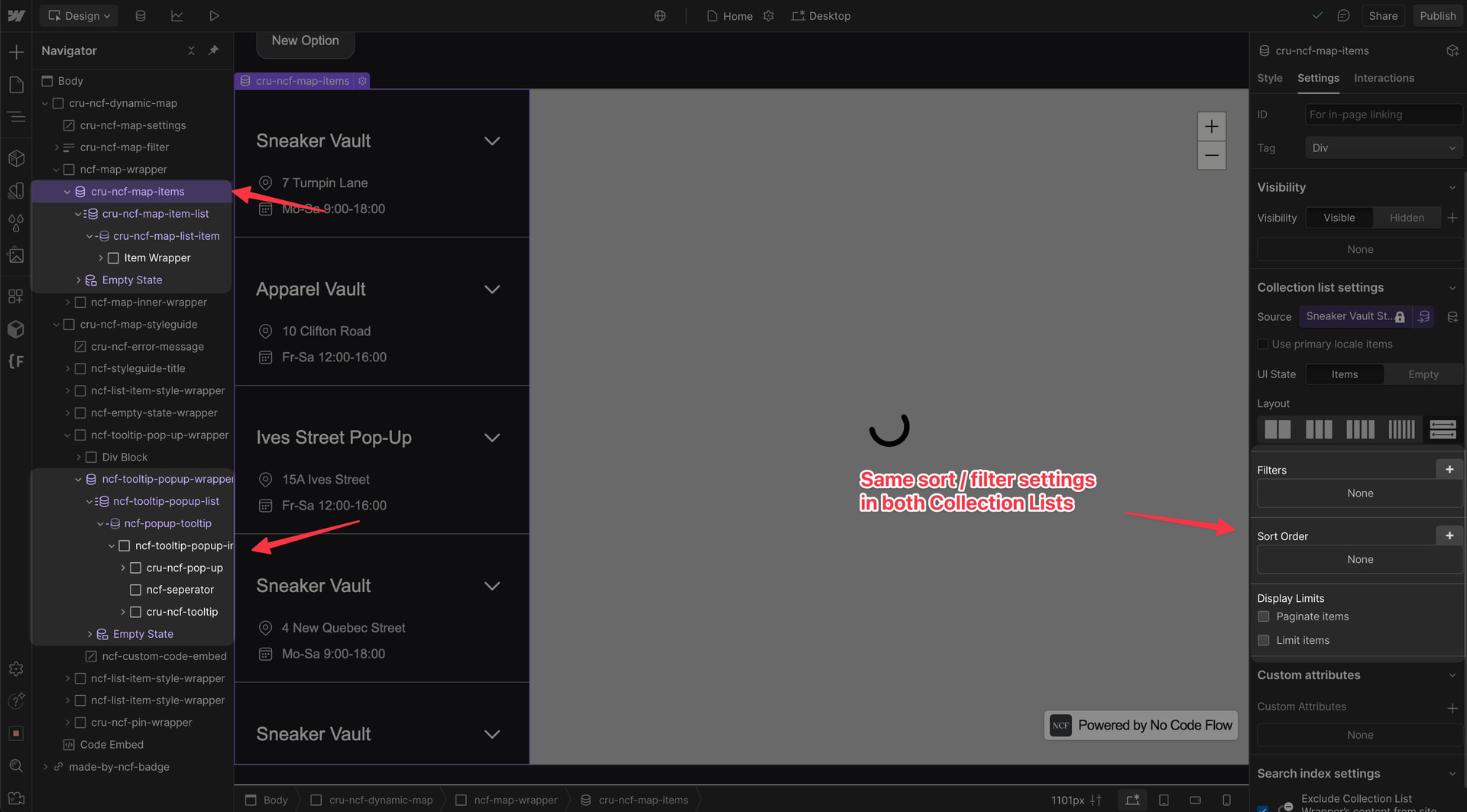
If clicking a map pin shows a pop-up with information about a completely different location, the cause is almost always a mismatch in sort order between your two Webflow CMS Collection Lists. Dynamic Map matches pins to pop-up content by position: pin number 1 corresponds to pop-up item number 1, pin number 2 to item number 2, and so on. If the hidden CMS list (which drives the pins) is sorted differently from the pop-up list, every click shows the wrong content.
This is one of the more disorienting issues to encounter. The map visually looks correct, with pins in the right locations, but the pop-up information is mismatched. Once you understand the root cause, the fix takes less than a minute.
Correct Setup
Make sure both collection lists are connected properly in Dynamic Map App and sorted identically in Webflow Designer.
Watch the full troubleshooting walkthrough: Loom: Fix wrong pop-up content
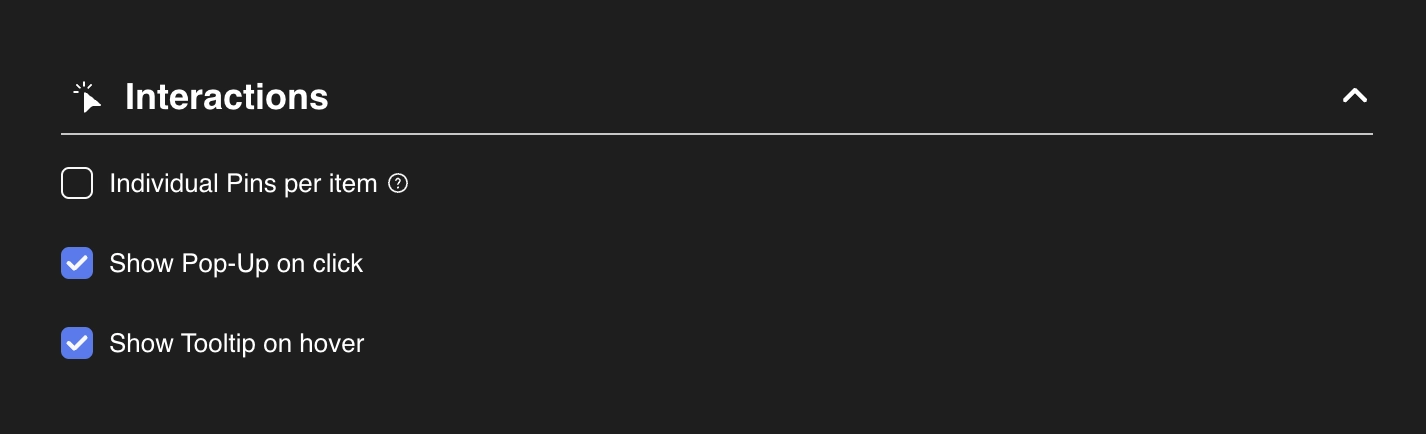
💡 See also: Map Pop-Ups on Click and Map List Sorting for setup details.
Practical Tips
- Always check sort order and filters on both lists simultaneously. Open both collection list settings panels in Webflow Designer. The hidden map item list and the pop-up list must have identical Sort Order, Filter conditions, and Display Limits.
- This is most likely to happen after changing sort order on one list. If you updated the sort order on your visible list for UI reasons and forgot to apply the same change to the pop-up list, content will immediately start mismatching. Make it a habit to always check both lists after any sort or filter change.
- Test pop-up accuracy after every significant CMS or map change. After updating map configuration, sort order, or CMS structure, click several pins in different positions and verify their pop-up content is correct. Catching this early takes 30 seconds; debugging it later without knowing the cause can take much longer.
