
Last updated:
May 28, 2026
Pop-Ups / Tooltips won't Show
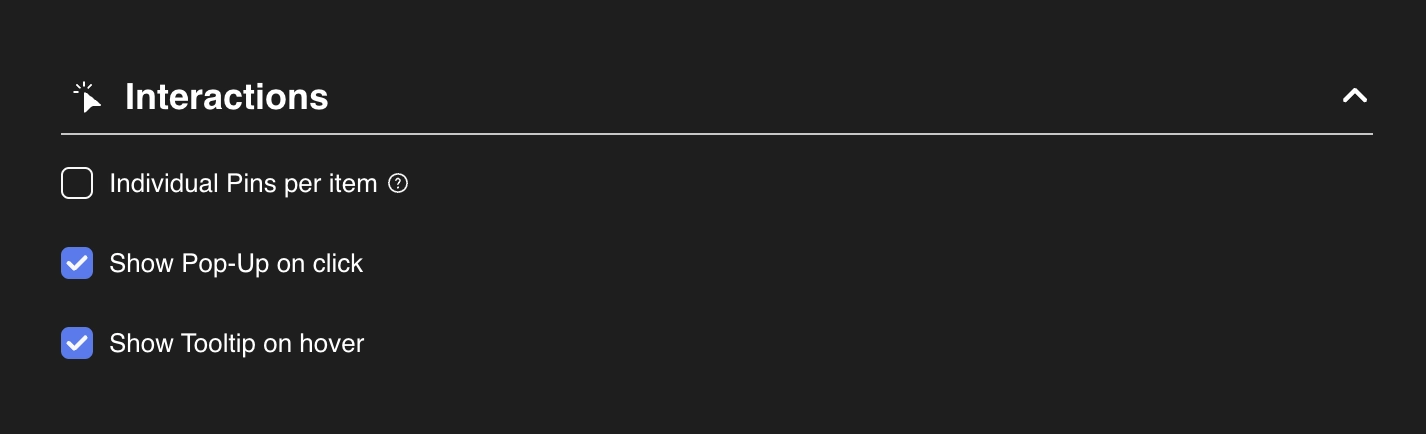
If the wrong pop-ups or tooltips show in Dynamic Map App, the most common cause is a sort or filter mismatch between the map item collection list and the pop-up/tooltip list. Make Filters, Sort Order, and pagination identical on both lists in Webflow Designer. Also verify Show Pop-Up on click and Show Tooltip on hover are both checked in Dynamic Map App's Interactions panel.
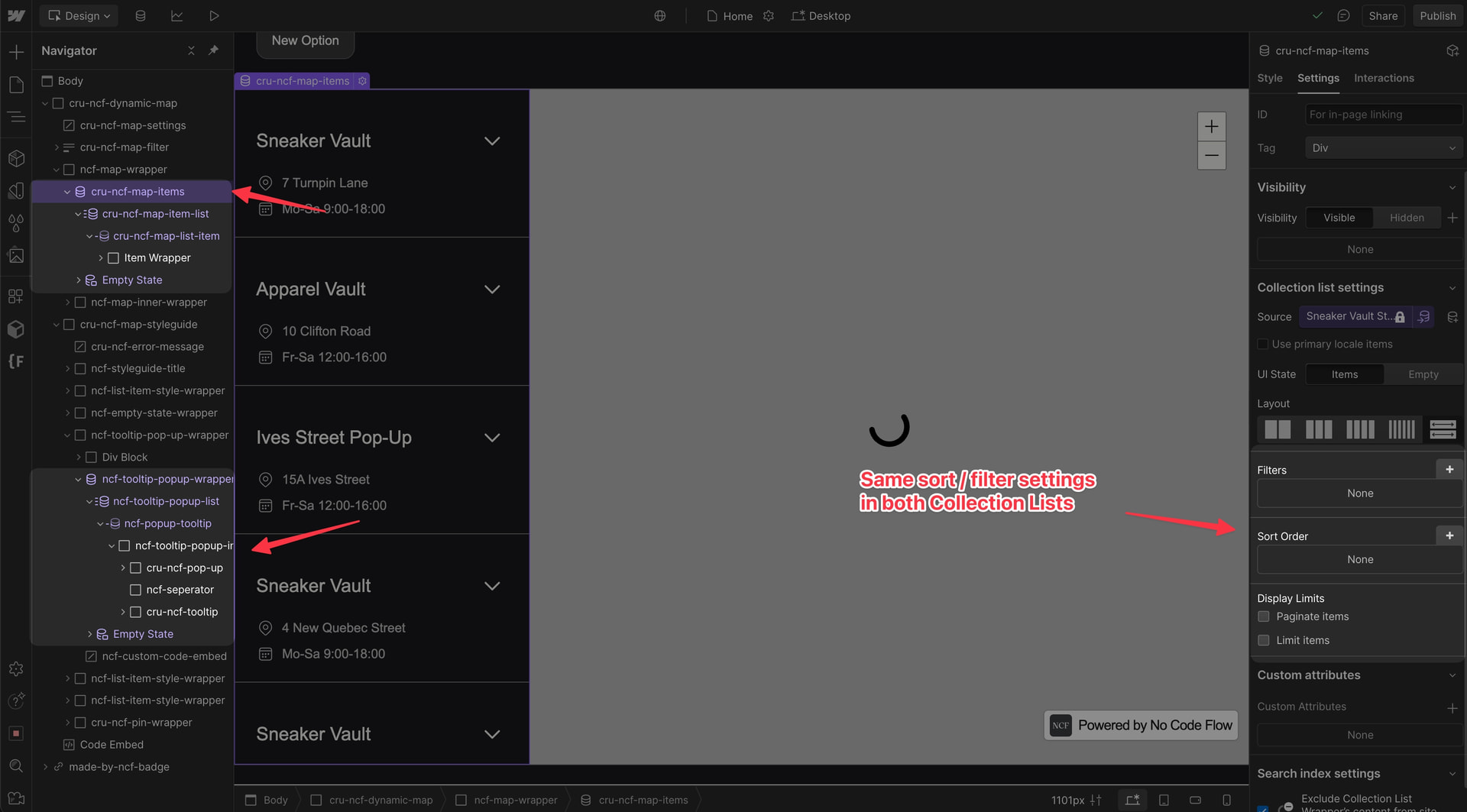
If your pop-up or tooltip shows the wrong content when a pin is clicked, the most common cause is a mismatch between the two collection lists. The main map item list and the pop-up/tooltip list are not sorted in the same order.
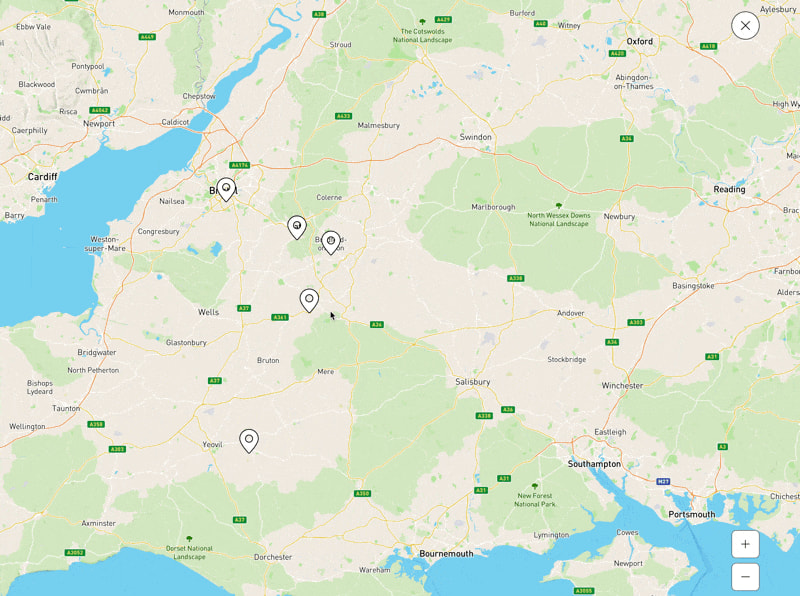
Correct Pop-Up / Tooltip Setup
Make sure both collection lists are connected properly in Dynamic Map App and sorted identically in Webflow Designer.
Watch the full troubleshooting walkthrough: Loom: Fix wrong pop-up content
💡 See also: Map Pop-Ups on Click and Map List Sorting for setup details.
