
Last updated:
May 28, 2026
Map Location Pins
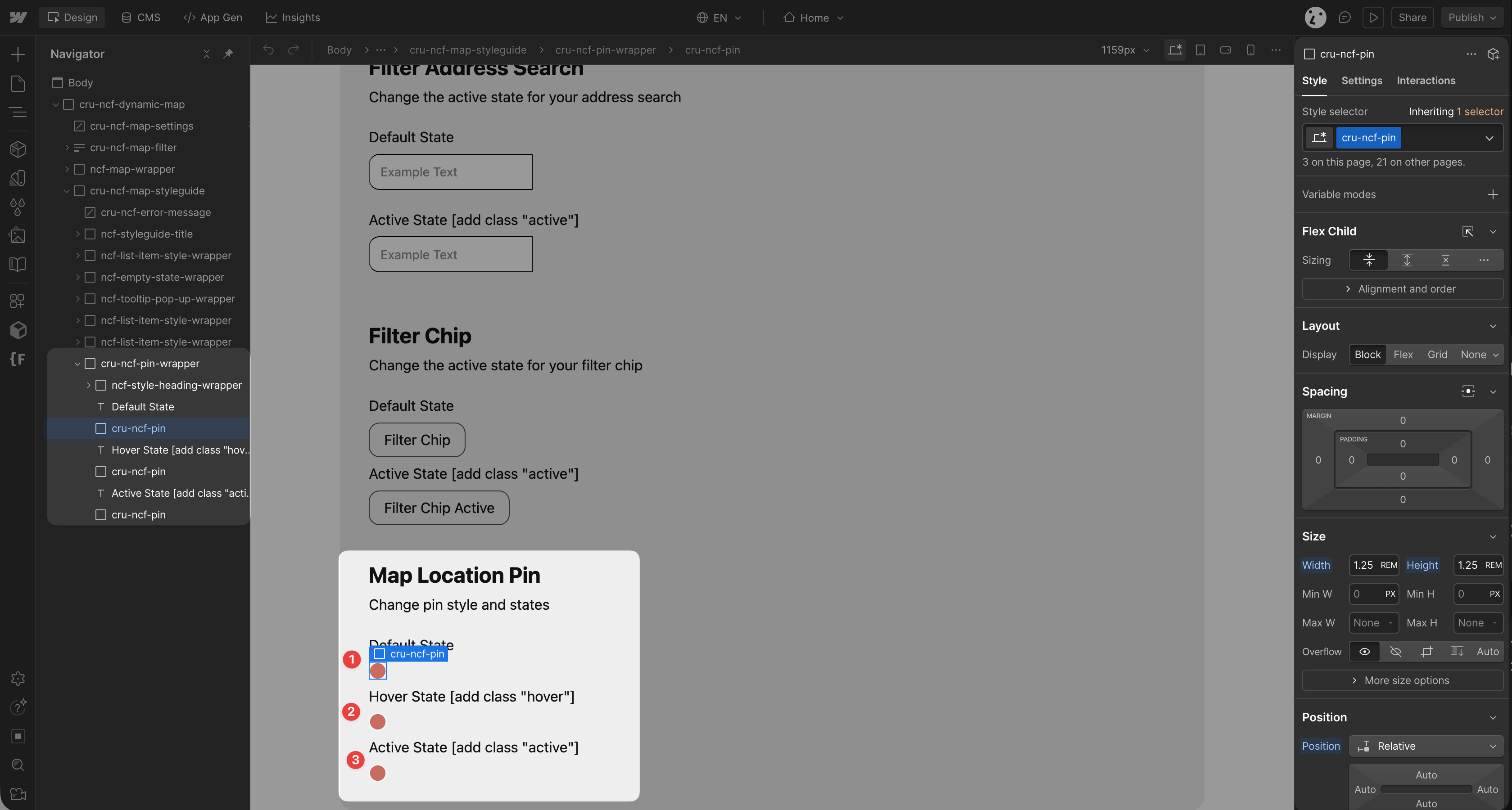
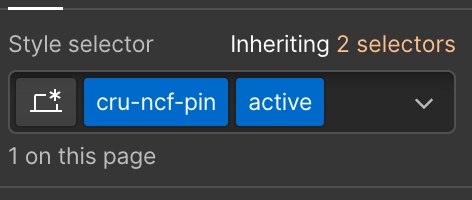
The Location Pin marks each CMS item on your Dynamic Map. It requires the attribute ncf="mapicon" and the class cru-ncf-pin. Only one pin element should exist, don't duplicate or delete it. The location pin has three styleable states: default, hover, and active. For category-level designs see CMS Category Pins; for per-item icons see Custom Pins for Individual Items.
Intro
The Location Pin is the main visual element that shows your users where each item is on the map.
Main Attributes
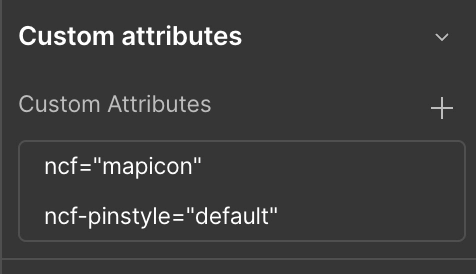
The Location Pin element must carry the attribute: ncf="mapicon"
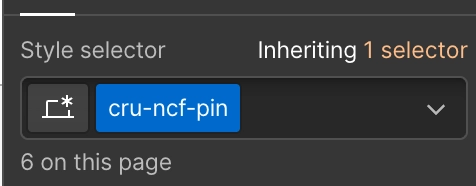
Important: Only one pin element can exist at a time. Do not delete or duplicate it. Ensure the pin is styled with the class cru-ncf-pin.Styling and Pin States
Three states are available for styling:
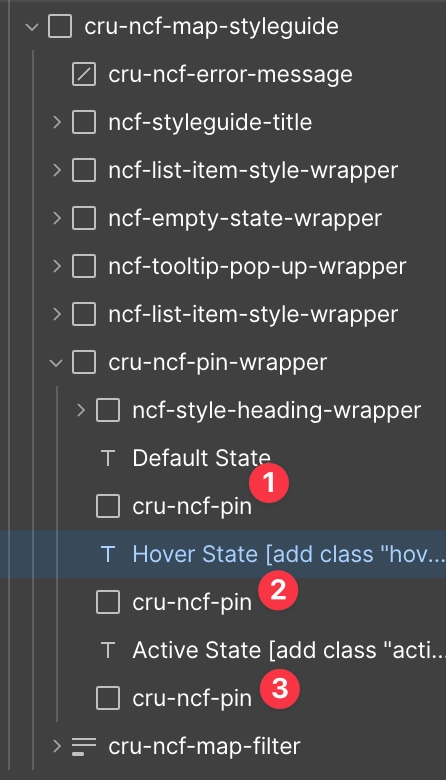
Default State — ncf-pinstyle="default"
Hover State — ncf-pinstyle="hover"

Active State — ncf-pinstyle="active"
Category Pins and Custom Pins
- CMS Category Pins — different pin styles per CMS category, with hover and active state support.
- Custom Pins for Individual Items — unique icon per individual map item.
