
Our 15+ Must-Have Webflow Apps and Plugins in 2026
.avif)
In this guide, we’re highlighting the must-have Webflow apps and plugins for designers in 2026. From supercharging your SEO and marketing to automating tedious workflows and handling complex custom code. These are the tools we actually use.
If you’re looking to build faster and squeeze every bit of potential out of the Webflow ecosystem, you’re in the right place. Let’s dive into the plugins that make your marketing smarter and your projects run smooth like butter.
Faster and better Workflows
Efficiency is the difference between a project that drags on and one that hits the finish line ahead of schedule. In this section, we explore the power-player tools, like Relume and Class Renamer, that eliminate manual repetition. These apps and plugins allow you to focus on high-level creative decisions while the software handles the structural heavy lifting, ensuring your builds are as clean as they are fast.

Relume
Relume’s AI Site Builder lets you generate complete sitemaps and wireframes for marketing websites in minutes - and import them directly into Webflow with just a few clicks. We use it in every project. Check it out here.
- Generate AI wireframes - create full sitemaps and layouts in seconds
- Import seamlessly to Webflow - transfer pages, sections, and content instantly
- Sync project styles - imported pages automatically match your Webflow design system
- Build reusable components - turn global sections into Webflow components for faster updates
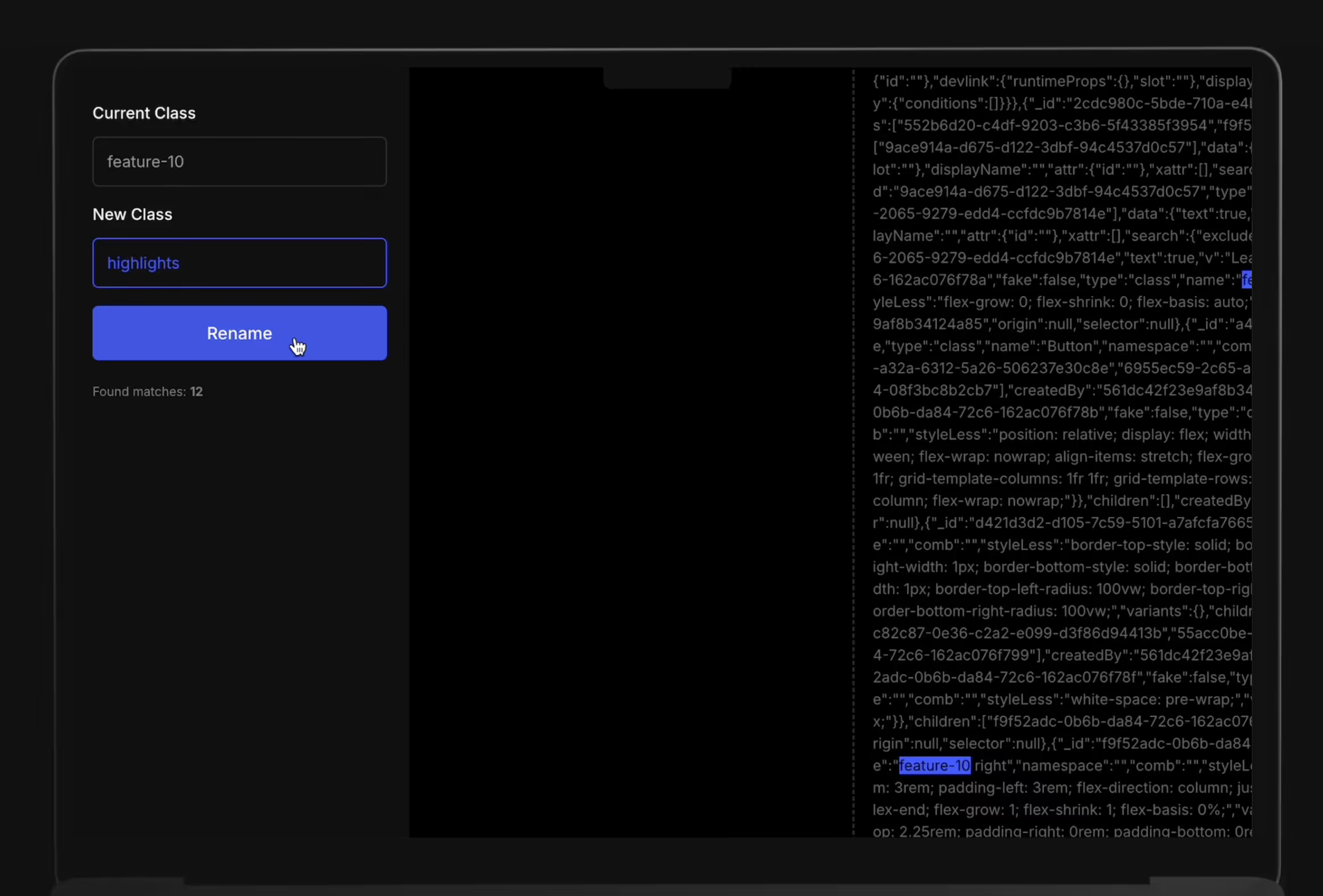
Relume Power-Up: Class Rename Tool
If you use the Relume Library, this tool is a total game-changer for your workflow. While Relume provides incredible unstyled building blocks, you often need to adapt their class naming conventions to fit a specific client's framework or your own internal style guide. Instead of manually clicking through every div and heading in the Designer, you can simply copy your Relume component, paste it into Class Renamer, swap the prefixes or names instantly, and paste it back into Webflow. It’s the fastest way to keep your project organized and consistent without the tedious manual labor.

Dynamic Map
This is on us. Dynamic Map brings fully customizable, filterable maps directly into your projects. Connect pins to your CMS items, add interactive pop-ups or tooltips, and style everything natively in the Webflow Designer - no iFrames, no coding. With advanced filtering, search, and sorting, your visitors can easily find the locations that matter.
- Custom Pins & Interactions – Unique markers with click or hover pop-ups
- Flexible Map Styling – Use Mapbox, Google Maps, or OpenStreetMap templates
- CMS Integration – Map pins and data connected directly to your Webflow CMS
- Advanced Filtering & Search – Address search, text search, and sorting

Finsweet Extension
Finsweet Extension gives your Webflow workflow a serious productivity boost. It’s a native Webflow app (formerly a Chrome extension) that brings a toolbox of smart utilities straight into the Designer. From cleaning up CSS and classes to enabling fluid design and versionless editing, it helps you build cleaner, faster and more maintainable websites.
- Fluid Design Generator: Create adaptive layouts that look sharp across screen sizes
- Merge Combo Classes & Clean Styles: Reduce class clutter by merging duplicates or removing unused styles
- Dev Mode (Beta): Edit HTML and CSS directly inside Webflow — handy for quick tweaks without leaving the Designer
- Organize Workflow: Class-folder grouping, page-history navigation and style cleanup make site maintenance easier
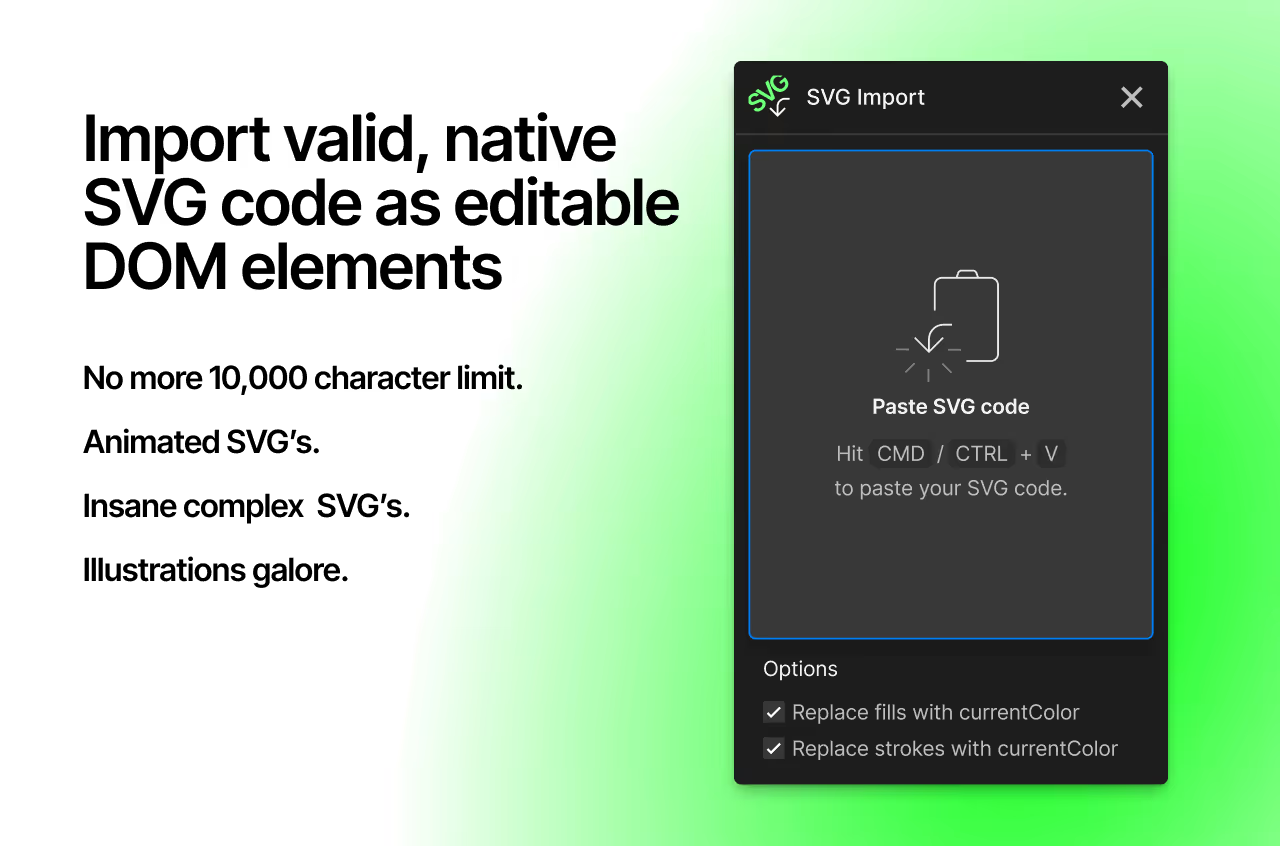
SVG Import
SVG Import is a powerful Webflow app that lets you bring any SVG into your projects as fully editable elements. No more Webflow’s 10,000-character limit! Work with complex, animated, or gradient SVGs while maintaining full control over every shape and attribute.
- Paste & go: Insert SVG code and automatically generate all DOM elements
- No character limits: Handle large and complex SVGs without restrictions
- Full attribute control: Edit every nested element directly in Webflow
- Dynamic colors: Bind CMS fields to individual shapes and paths
- Supports all SVG elements: From basic shapes to intricate illustrations
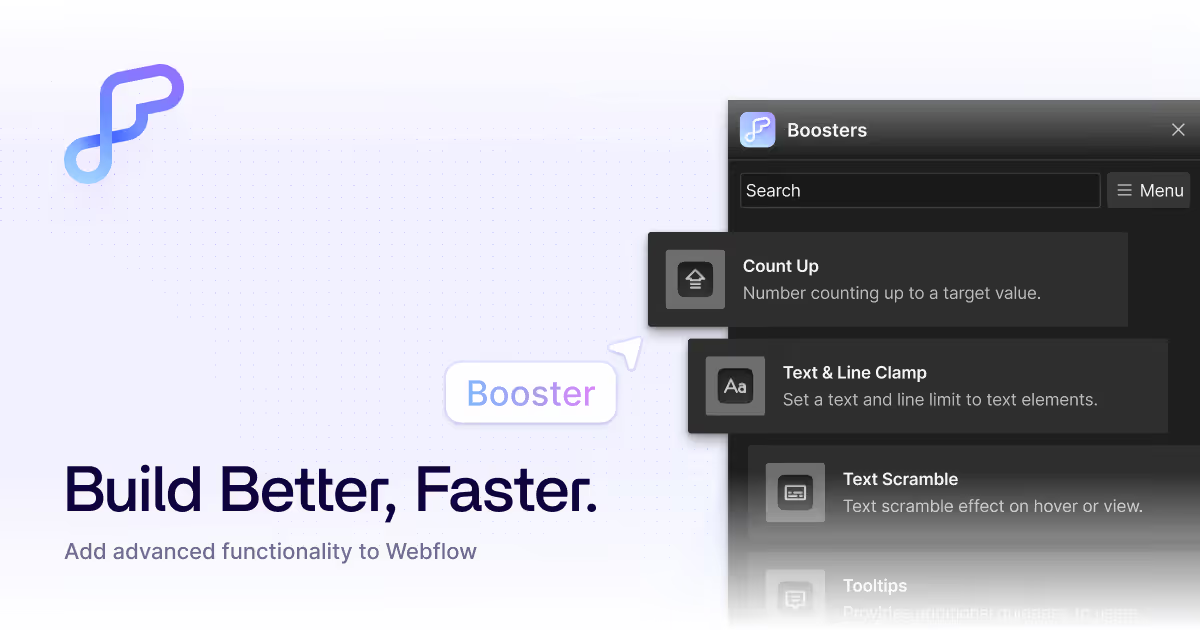
Flowbase Boosters
Boosters is a growing library of plug-and-play enhancements you can drop straight into Webflow. This Webflow plugin gives you quick access to count-ups, tooltips, typewriter effects, custom sliders, and more, all installed with a single click and delivered via a secure global CDN. Boosters brings custom-code power to your projects - without slowing you down.
External Data Management
A modern Webflow site is rarely an island; it’s often the hub of a much larger digital ecosystem. Managing how data flows in and out of your CMS is crucial for scaling. Here, we look at essential plugins like Zapier and HubSpot that bridge the gap between your website and your business operations, automating everything from lead generation to complex e-commerce logistics.
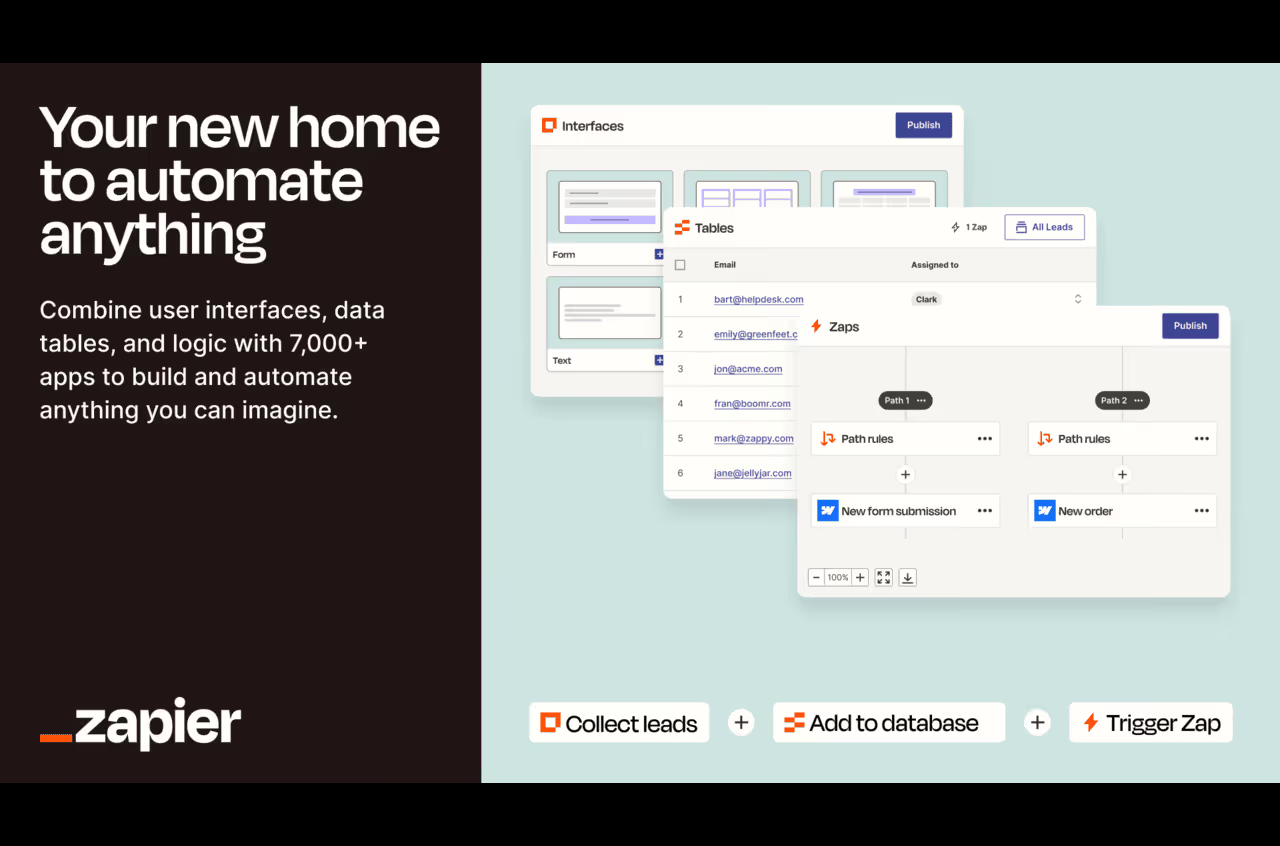
Zapier
This Webflow plugin built by Zapier lets you automate repetitive tasks and connect your favorite tools - no coding required. Whether you’re running a blog, store, or custom site, it keeps your workflows running smoothly.
- Automate form submissions - send data to Google Sheets, Slack, or your CRM
- Sync content across platforms - connect Webflow with your CMS or marketing tools
- Simplify e-commerce - manage orders, inventory, and customer emails automatically
- Get real-time notifications - alert your team about new activity instantly
- Build custom workflows - trigger actions across hundreds of apps
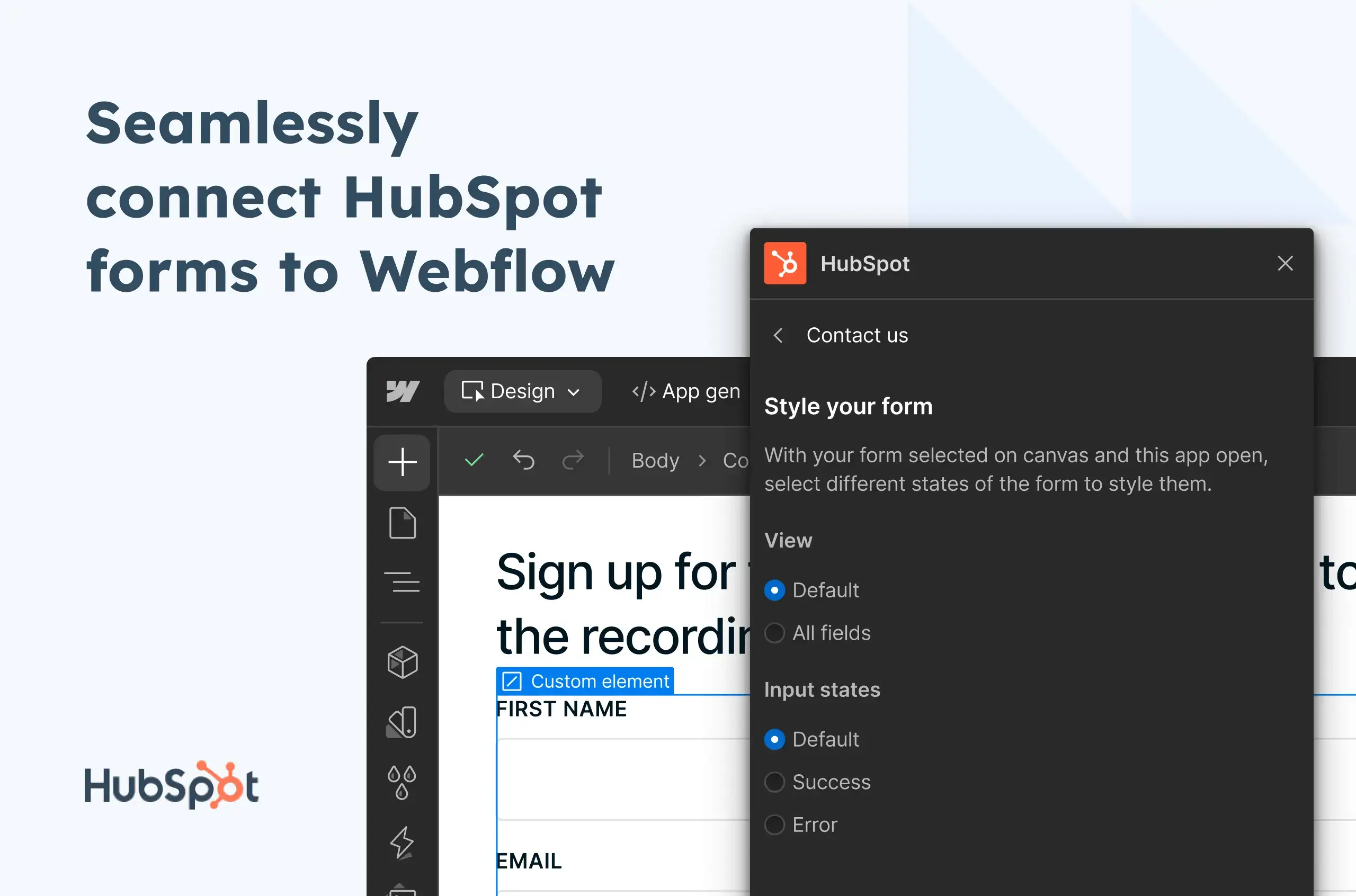
HubSpot
The new Webflow plugin by HubSpot brings smooth and visual form management. You can design, sync, and publish HubSpot forms without leaving the Webflow Designer - fully integrated and code-free. Connect Webflow forms to HubSpot, use HubSpots form options and preview in real time.
Tally
The Tally Webflow app brings the simplest, most intuitive form-building experience directly to your website. Known for its "Notion-like" interface, Tally lets you create professional forms in seconds using just shortcuts and blocks, no complex builders required. Despite its simplicity, it’s packed with power, offering unlimited forms and responses for free, along with advanced features like conditional logic and payment collection.
With seamless integrations to tools like Airtable, Notion, and Slack, Tally makes collecting data and automating your responses feel effortless. It’s the perfect Webflow companion for designers who want clean, minimalist forms without the high price tag.

Slater
Slater is a Webflow plugin that gives developers a dedicated JavaScript environment powered by AI. It is fully integrated and perfect for anyone who wants to go beyond native Webflow features without juggling external tools. Write and generate JavaScript with AI prompt-based coding directly inside a Webflow-ready environment, collaborate with your team through multiple editors and shared projects and save reusable code for any future Webflow projects.
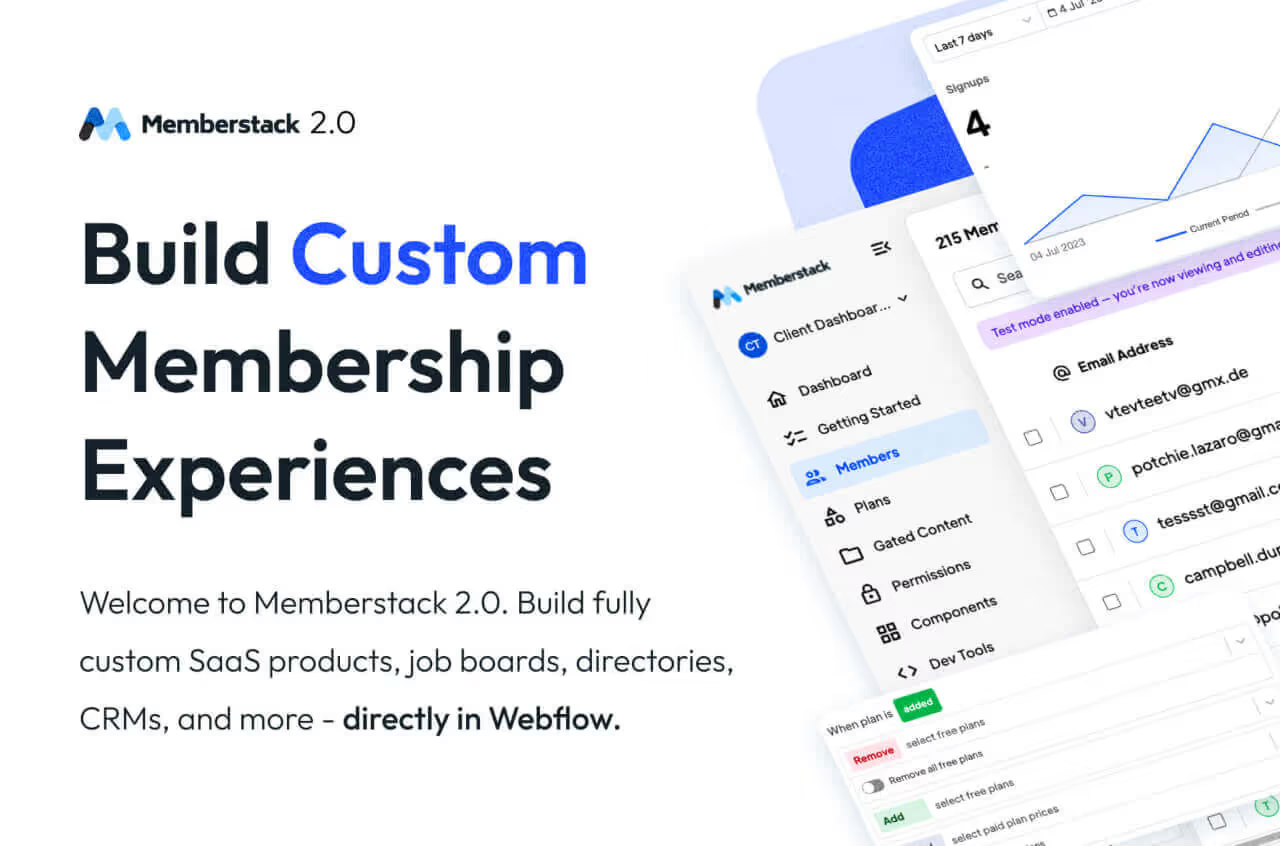
Memberstack
Memberstack brings powerful user authentication, gated content, and Stripe billing directly into Webflow, without the usual copy-paste chaos. This Webflow plugin lets you apply the right data attributes with a click, build custom signup/login flows visually, and access 500+ free UI components to speed up your build. From social login to SSO and one-click Stripe Checkout in 135+ currencies, Memberstack gives you everything you need to launch memberships, paid content, or full SaaS-style experiences right inside Webflow.
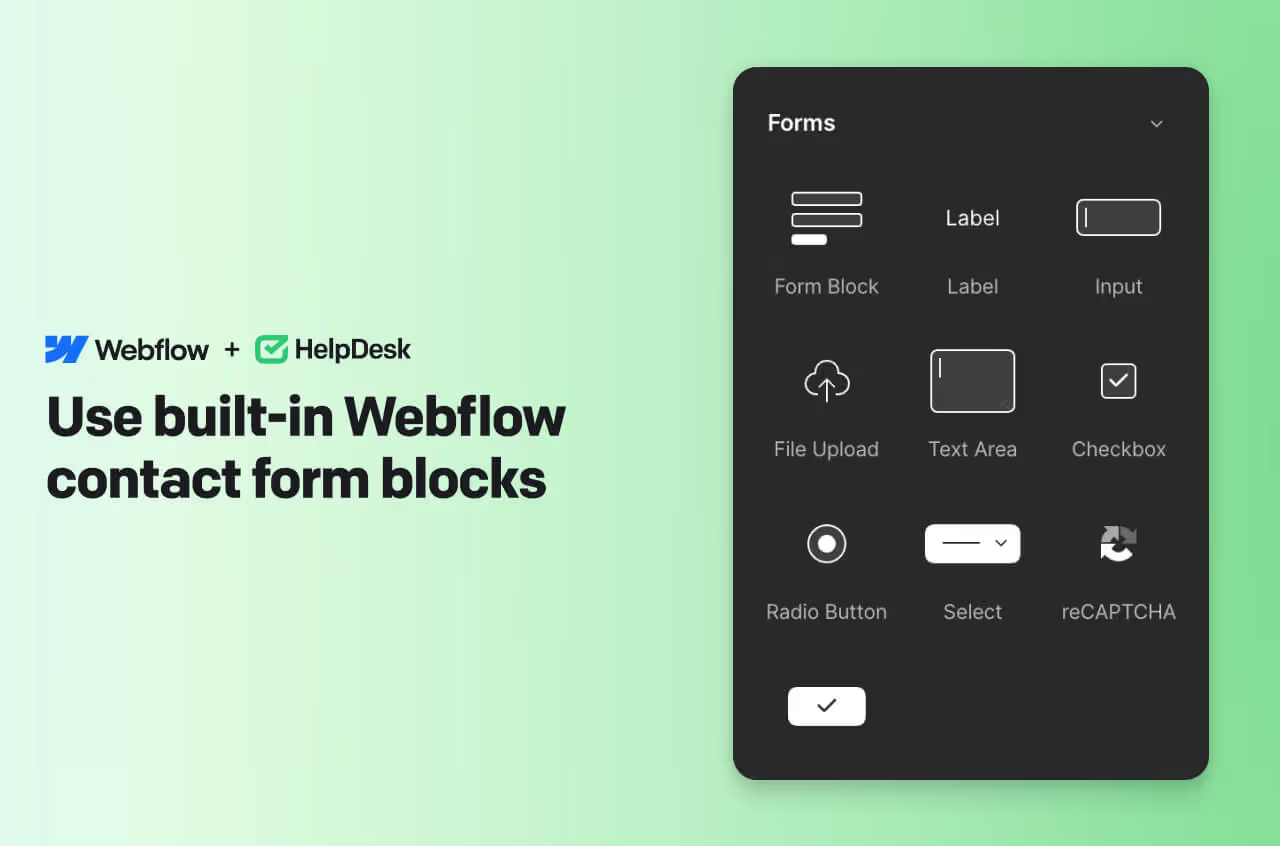
Helpdesk
The HelpDesk Webflow app centralizes all customer messages - emails, forms, live chat, and social media - into one unified inbox, making it easy to manage support efficiently. With advanced automation, AI-assisted replies, and collaborative tools, teams can prioritize tickets, reduce response times, and provide personalized support.
- Automate workflows: Macros, follow-ups, and ticket prioritization with a single click
- AI-assisted support: Summarize conversations and suggest personalized responses
- Collaborate efficiently: Shared views, private notes, tagging, and team assignments
- Integrations: Connect with 3,000+ apps including Slack, HubSpot, Salesforce, and Jira
Design Tools
Great design is in the details, but those details shouldn't take all day to perfect. This category features Webflow apps and plugins designed to keep you in "the flow" by bringing massive libraries of assets directly into the Webflow Designer. Whether you're sourcing high-fidelity imagery with Unsplash or finding the perfect icon with Ikonik, these tools ensure you never have to break your creative momentum to search for assets.
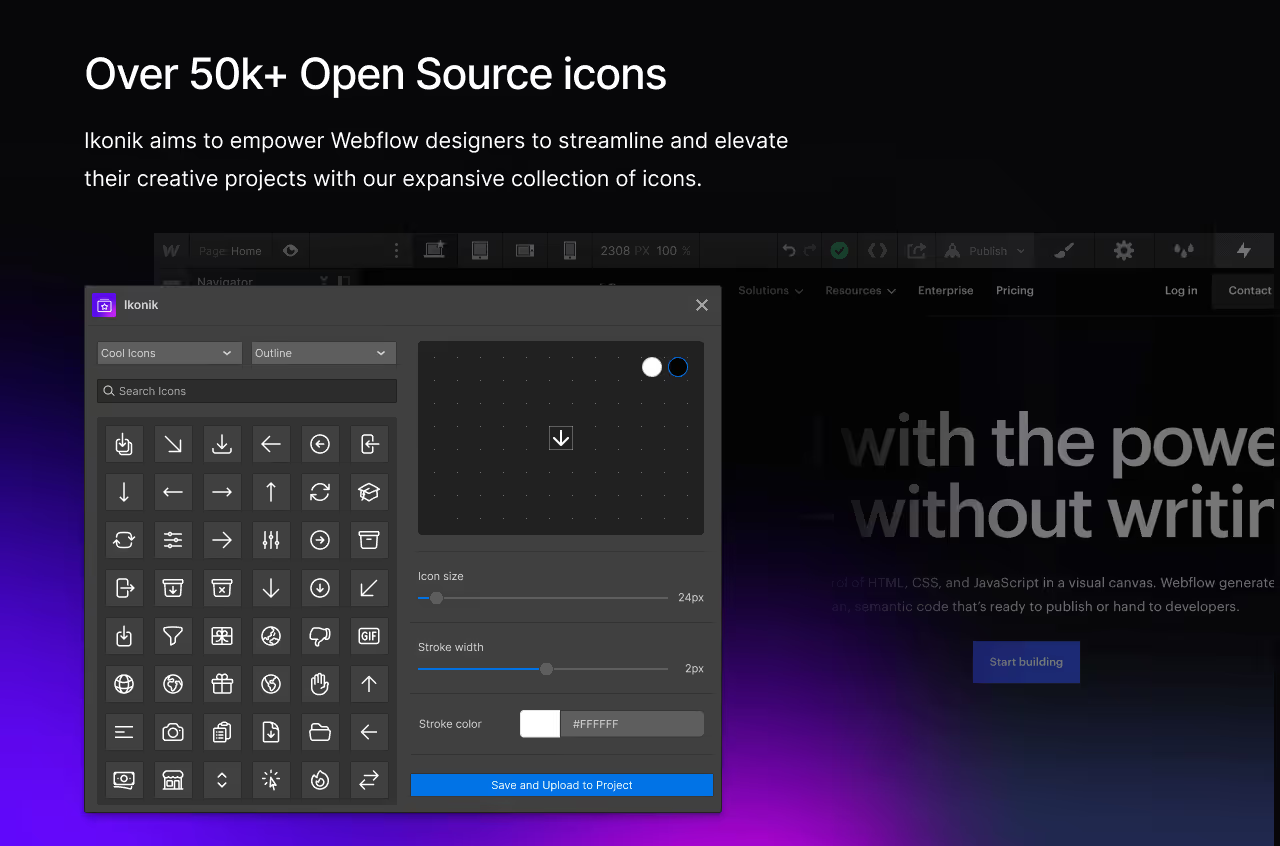
Ikonik
Ikonik gives Webflow designers instant access to over 50,000 open-source icons, organized into clean packages and available in both outline and filled styles. Insert, filter, and customize icons directly inside the Webflow Designer without switching tools. A true gem of a Webflow plugin every designer should use!
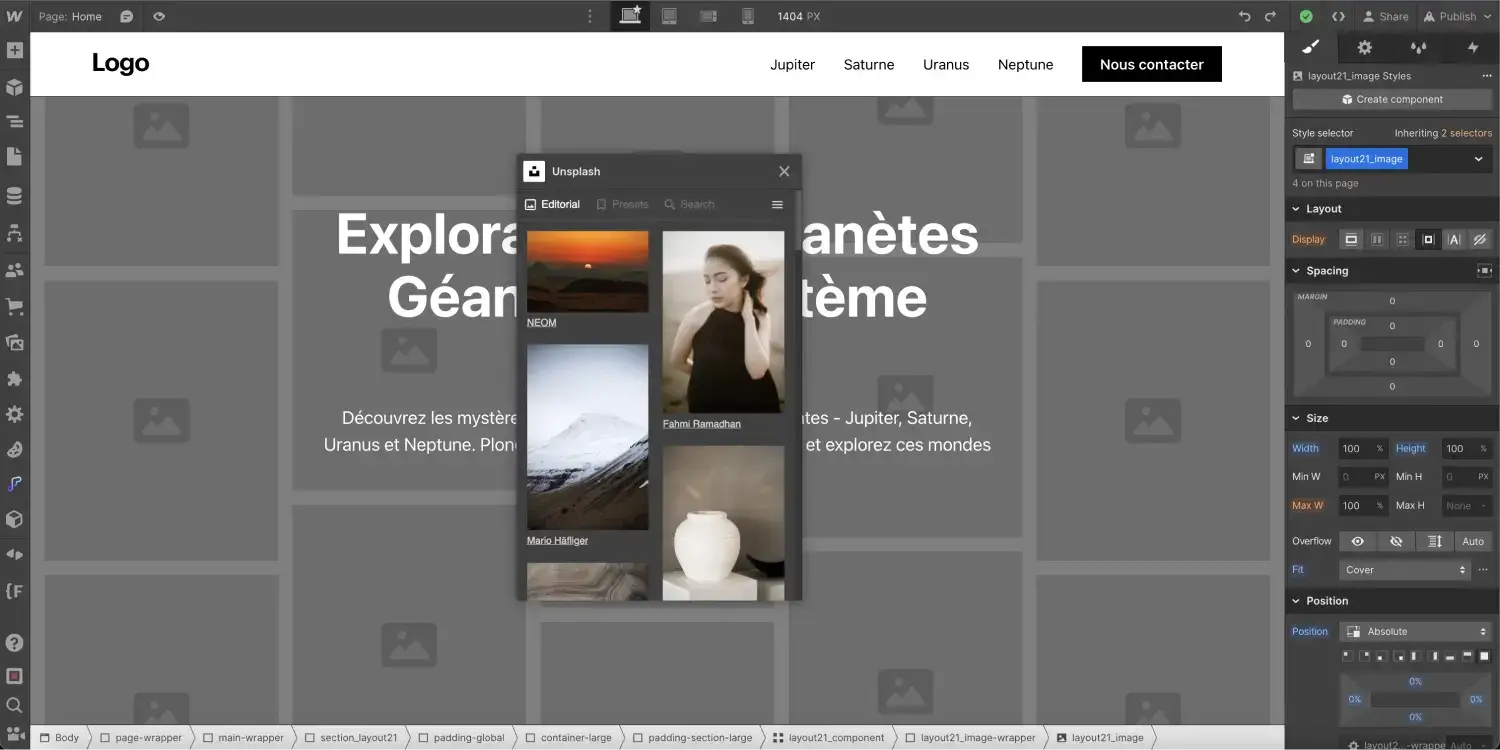
Unsplash
Unsplash is a powerful platform for Webflow creators who need high-quality, royalty-free images. With millions of photos contributed by tens of thousands of photographers, it offers a diverse library of visuals you can use across projects with no licensing fees. The Unsplash Webflow app lets you insert images from their service in a seamless way. You have to check it out!
Webflow SEO-Tools
In 2026, SEO is about more than just keywords; it’s about technical precision and structured data. To rank in a crowded digital landscape, you need tools that audit your site in real-time and automate the "boring" parts of optimization. From managing rich results with Schema Flow to performing deep audits with Fluid SEO, these Webflow apps and plugins ensure your site is as visible to search engines as it is beautiful to users.
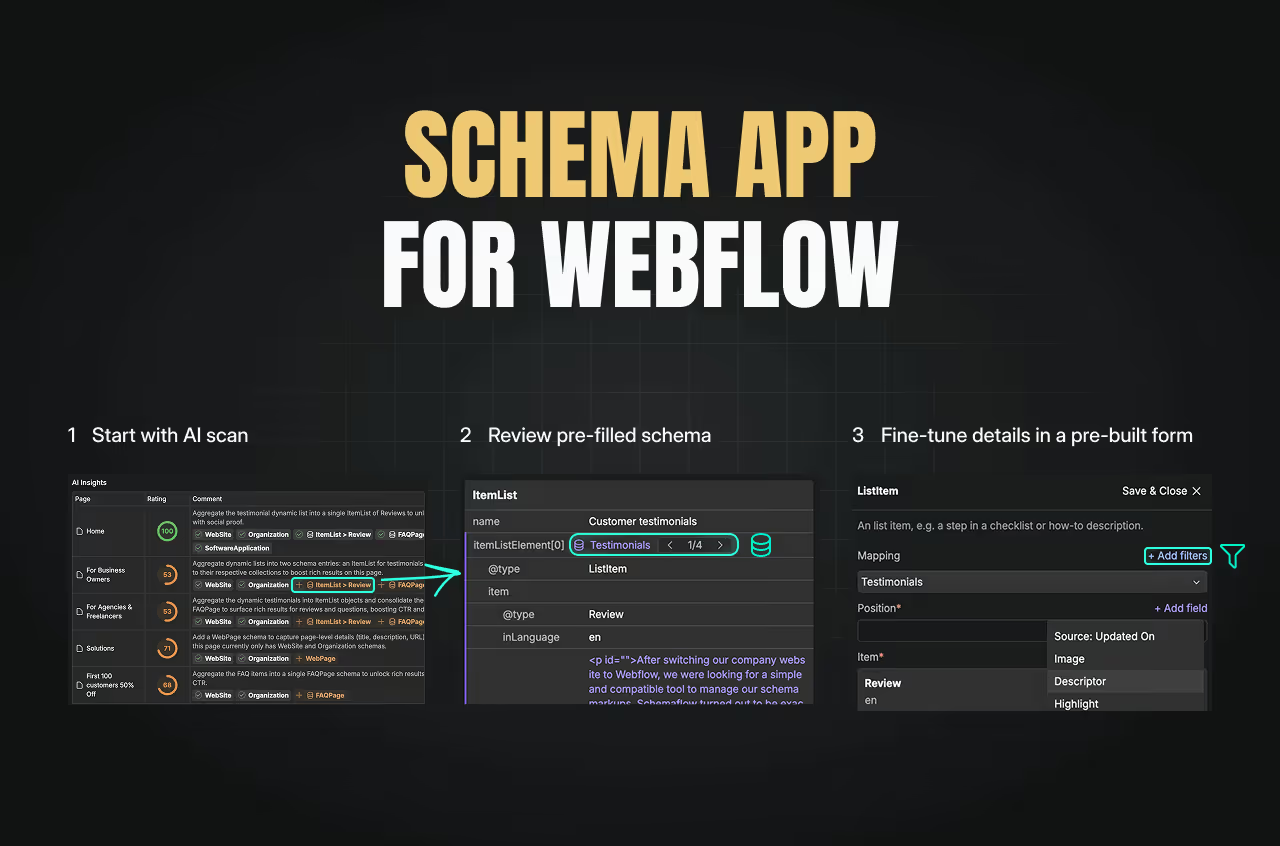
Schema Flow
SchemaFlow for Webflow helps you create and manage structured data directly within your site. Enhance search listings with rich results, improve CTR, and drive more organic traffic. A must-have Webflow App for your SEO-related tasks.
- Pre-built schemas: Start from forms and map CMS collections easily
- Automated publishing: Generate JSON-LD code and push to your site without copying & pasting
- Custom schemas: Create your own structured data from scratch if needed
- Boost SEO: Display rich results like reviews, FAQs, stars, and more in Google

Fluid Seo
The Fluid SEO Webflow app is your all-in-one toolkit for mastering search engine rankings without leaving the Designer. It automates the tedious parts of technical SEO, like generating meta tags and alt text, while providing real-time audits to ensure your site is optimized for performance and accessibility. With its intuitive interface, you can bulk-edit page titles, fix broken links, and preview how your site appears on Google in seconds. Whether you’re a beginner or an SEO pro, Fluid SEO streamlines your optimization process, helping you drive more organic traffic with less manual effort.
